


PEMP Store
Refurbished PEMP (9613R) Ultra-Thin Linux 12.3" Screen for BMW F30 F31 F32 F33 F34 F35 NBT CIC Wired and Wireless Apple CarPlay Retrofit Android Auto use The OEM Bluetooth (2012-2017)


Use the OEM Bluetooth to Calling in CarPlay Android auto
Read More
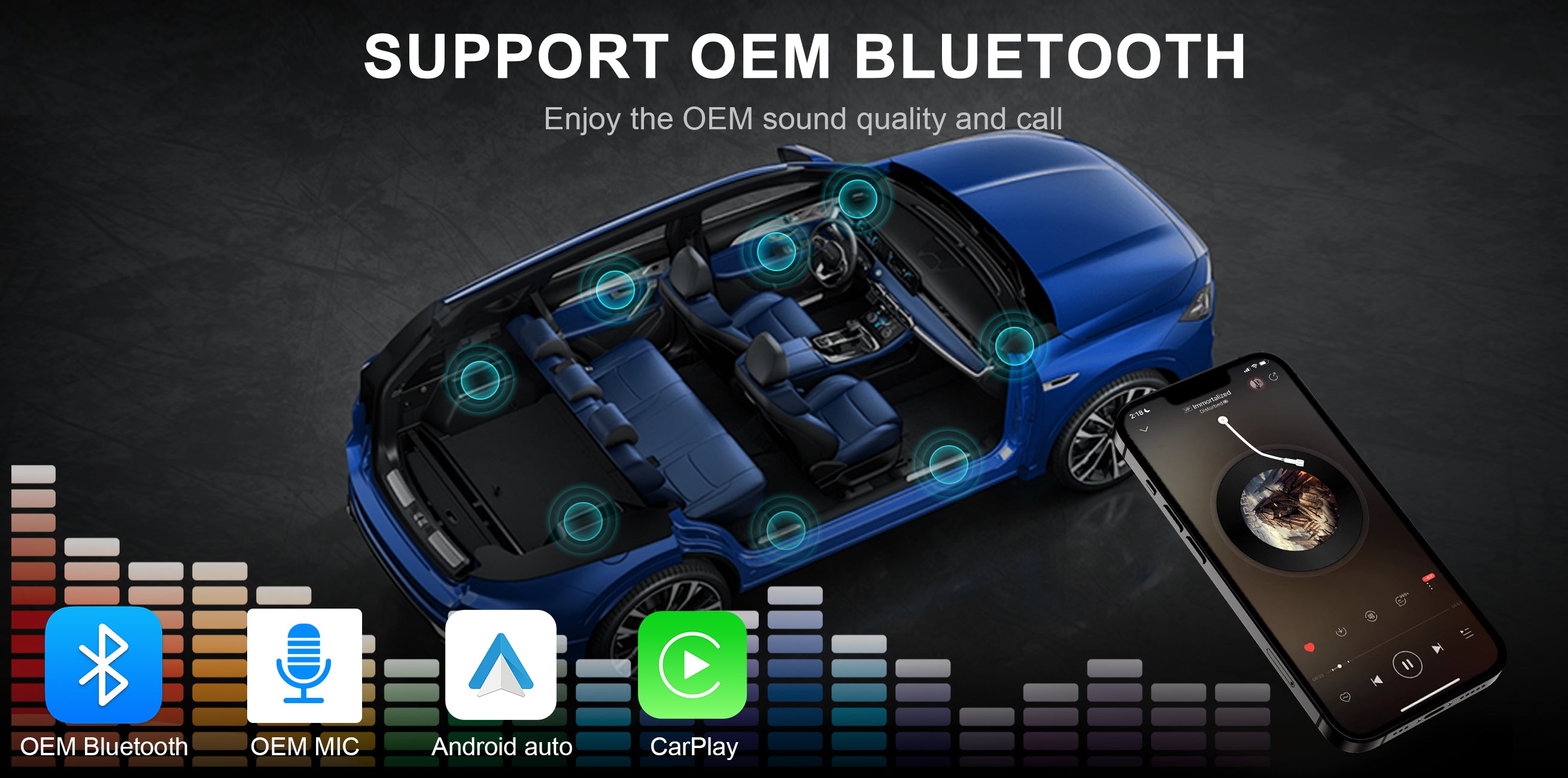

Introduction to screen features
Read More


Material craftsmanship at the detail end
Read More


Intelligent Interconnection
Support wired and wireless
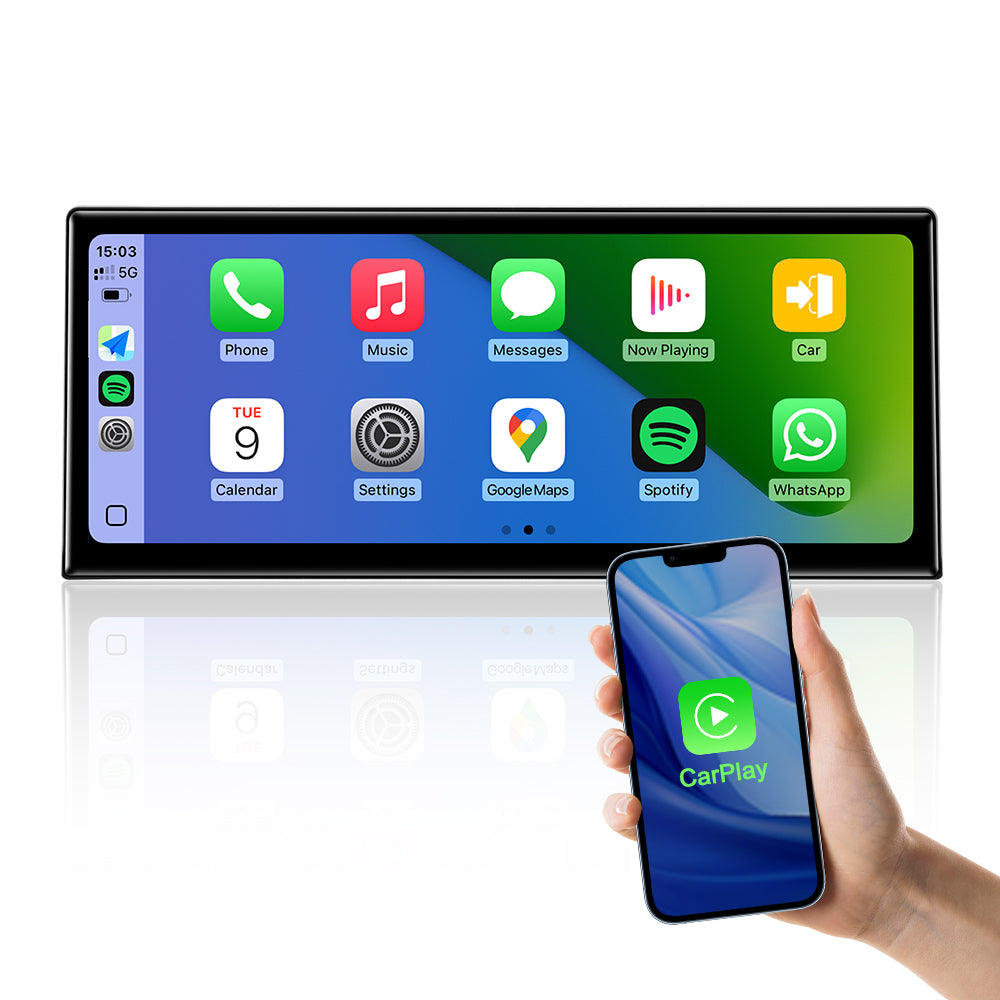
Support wied wireless carplay
Please use USB1 to use the wired CarPlay function.
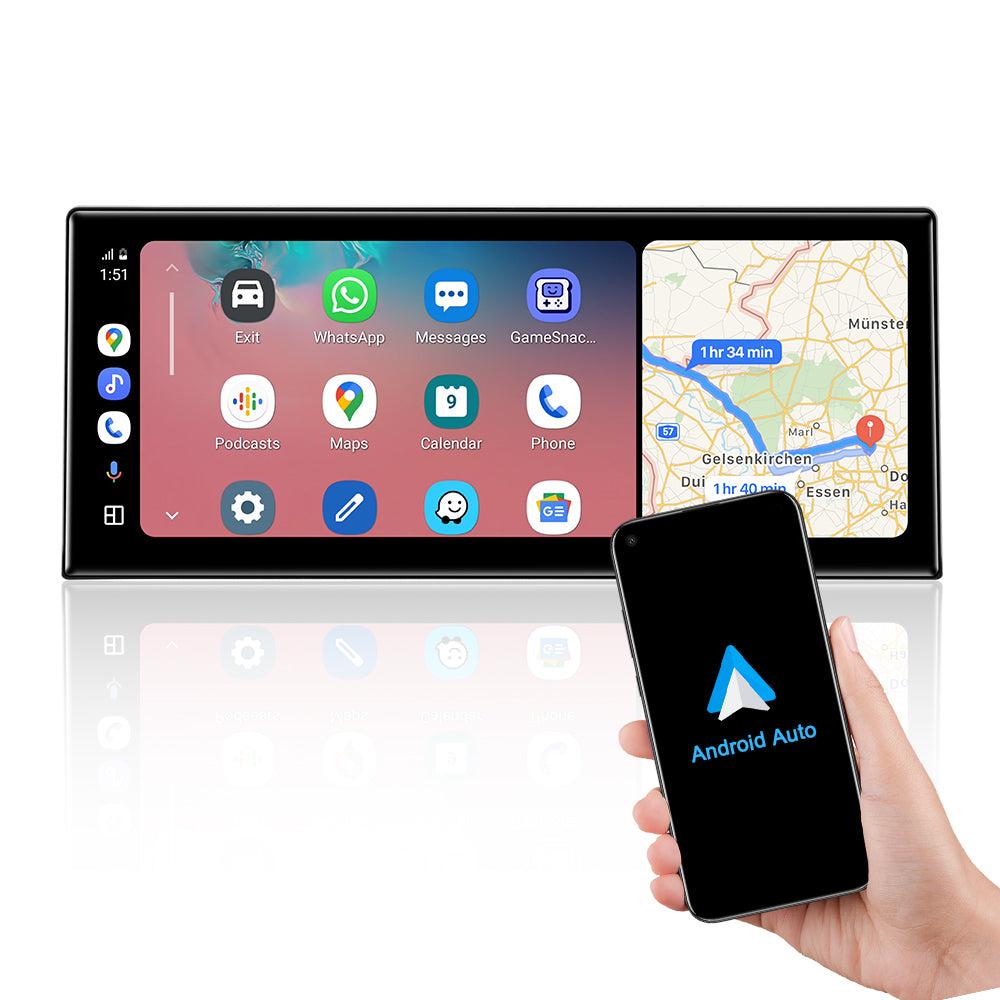
Support wied wireless Android Auto
Please use USB1 to use the wired Android Auto function.
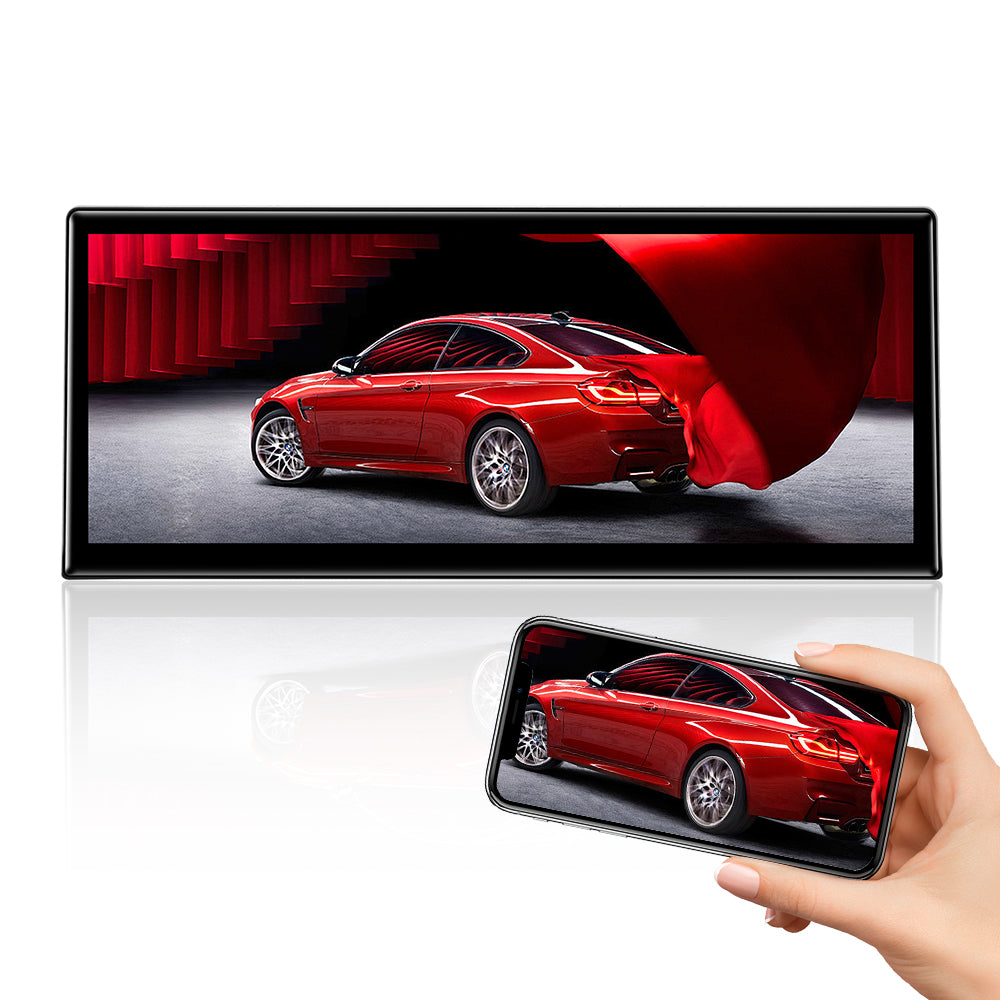
Support wied wireless Mirror Link
Please use USB1 to use the wired Android Mirror Link function.
OEM Functions
Set the OEM Resolution
Please select the correct resolution for the OEM display within the settings, otherwise the OEM Car INFO may not display properly. Setup>Car Settings> Original Car's Screen Resolution> Select the item

Support the OEM or after-market Camera
Please select the correct camera option within Settings, Select Original Camera if it is a factory camera. Select Aftermarket Camera, if you are installing an aftermarket camera.


Product Installation and Setup
Approaches to common problems

Need use the USB IN1 Connect the Wired Function
Be sure to use USB IN 1 to connect the wired CarPlay Android auto and Mirror link function.

Please connect the audio harness to the armrest box AUX IN connector
If you have properly adapted the fiber optic harness and selected the AUX menu in the OEM interface, you still can't get CarPlay or Android auto sound. Be sure to connect the audio cable between the armrest box AUX IN and AUDIO OUT.

Move the original host fiber optic cable to the new harness
If your OEM radio has a fiber optic cable above the power harness, Pls move it to the new harness. Otherwise you can't get the car information and the CarPlay sound. And it will be accompanied by a heartbeat wheezing sound.

Please focus on checking LVDS and automotive systems on the back of automotive OEM screens
1. Please confirm your OEM system according to the OEM screen UI. 2. Please disassemble the back of the OEM screen to confirm the shape of the LVDS cables. 3. If your OEM screen system is 6PIN LVDS for NBT and CIC system, this screen is suitable for your car. 4. If it is 6PIN EVO system, then this screen is not suitable for your car.
You May Also Like
IN THE BOX
1×Linux Screen

1 x ISO Wiring Harness

1 x USB Cable

1 × Audio Cable

1 × LVDS Adapter Cable

1 × Screen base

1 × Installation Manual

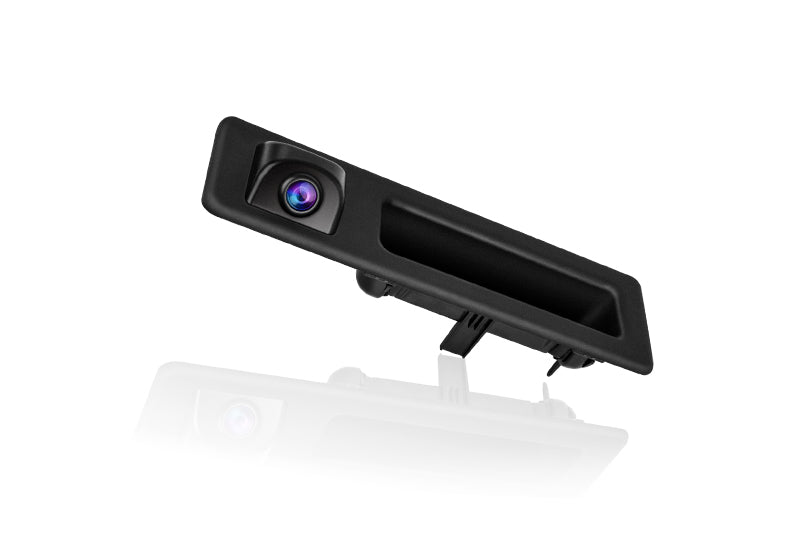
Reversing Camera (Only for With Camera option)
Frequently Asked Questions
Pre-Sales FAQ
Answer your pre-sales questions
- PEMP screen products are abundant, if you want to buy the right PEMP screen for your car, you need to know which kind of OEM system your car has first.
- Below we'll cover the differences and appearance of the 4 common BMW screen systems
- 1. The CCC system is used in older models, with a simple display interface and four functions, communication, Climate, navigation and Entertainment, that can be distinguished at a glance.
-

- The CCC LVDS cable is a 10 PIN LVDS cable:
-

-

- 2. The CIC system, with significantly more features than the CCC, is arranged in a vertical list. Maps, phone, radio, navigation, CD, etc. are available, and you can set options and view vehicle information at the same time.
-

- The LVDS cable used in the CIC system is a 4 PIN LVDS cable:
-

- The NBT system is still arranged in a vertical list and begins to have a connected driving function as well as a mobile office, and the system is more technological compared to the CIC detailing with highlights and shadows.
-

- NBT uses a 6 PIN LVDS cable
-

- 2. The EVO is arranged horizontally for a richer functionality and an easily recognizable system UI.
-

-

- EVO system still utilizes the 6 PIN LVDS connector.
-

- We can confirm with you that you don't have to worry about your CIC system and LVDS cables not fitting our screens, whether your 2012-2014 F30 has a CIC or NBT system, PEMP screens are compatible with your car.
- The following are specific reasons:
- The 2012-2014 F30 CIC system is unique in that it is in the transition year from the CIC system to the NBT system, and it has a different OEM radio mainframe and LVDS cables than the regular CIC system.
- System Interface:
- Usually, the CIC system interface corresponds to the OEM radio is also CIC, but the 2012-2014 F30 system interface is CIC interface, but the OEM radio mainframe is NBT mainframe.
-

- LVDS cable:
- Typically, CIC systems are 4 PIN LVDS cables, but the 2012-2014 F30 CIC systems use the same 6 PIN LVDS cable as the NBT.
-

After-Sales FAQ
Answer your pre-sales questions
- If you are experiencing problems with your OEM system displaying anomalies, you can check your screen and cables one by one by following the steps shown in this document.
-

- You can also copy the video link to your browser off to see the detailed video tutorial:https://youtu.be/0iTuDq0D2Ow
- Or scan the QR code of the video to watch it:
-

- Step 1: Press the FM/AM button and check the radio for sound .
- A: If you can hear the FM sound, please go to the PEMP system homepage, then click Settings-Car Settings-Original Car’s Screen Resolution in turn, then choose the resolution suitable for your OEM screen,then restart the screen.
-

- B:If you can't hear the FM sound, it means the screen is in unpowered state, you need to check all the ISO harnesses and plugs and unplug them all and plug them in again. Then check for loose power and LVDS cables behind the screen.
- Note: In order to prevent the plug from loosening, the plug is designed to be relatively tight, you can use a little force when inserting, please ensure that the plug is completely
-

-

-

-

- Step 2: Some cars have fiber optic cable on OEM ISO harness, if your OEM ISO harness has fiber optic cable, please transfer it to PEMP ISO harness. Otherwise, it will cause no sound/no time display/no display of OEM system and so on.
-

- If you experience abnormal sound problems, you can check the screen and cables one by one by following the steps in this document.
- You can also copy the video link to your browser off to see the detailed video tutorial: https://youtu.be/8sAp9-Lyr5Y
- Or scan the QR code of the video to watch it:
-

- Step 1: Click OEM CAR INFO on PEMP home page to enter the OEM system, check whether the OEM system can be displayed normally.
- A: If the OEM system displays anomalies, refer to the documentation in the Documentation list on how to handle abnormal OEM system displays.
-
- B: If the OEM system can be displayed normally, please click Multimedia-External Devices, and then select Multimedia Mode as AUX front.
-

- Step 2: Check if the volume is too low, use the screen to play music and use the volume control knob to drastically adjust the volume to increase the volume.
-

- Step 3: Go to Settings-Audio-Volume and turn the volume up.
-

- Step 4: Connect one end of the supplied AUX cable to the AUDIO OUT port on the IOS harness; The other end connects to the car's AUX IN (usually located at the armrest box).
-

-

- Step 5: Connect the A/B cable plugs to each other.
-

-

- Step 6: Some cars have fiber optic cable on OEM ISO harness, if your OEM ISO harness has fiber optic cable, please transfer it to PEMP ISO harness.
-

-

-
- Step 7: Check the ISO harness plugs and re-unplug and re-insert the plugs .
-
-

- Step 8: Check the power cable and LVDS cable on the back of the screen and unplug and re-plug them.
-
