


PEMP Store
PEMP (6613) A/C Climate Heat Controller LCD Touch Panel Interior Accessories For BMW F30 (2012-2019)
- 通常価格
- $389.00
- セール価格
- $389.00
- 通常価格
-
$0.00
Shipping calculated at checkout.

$669.00

$619.00

$0.00
$569.00

$0.00
$589.00

$369.00
$329.00

$29.00

$0.00
$23.90
Pay in installment: $661 /mth

Payment

Return to your nearest address. (USA and Europe)


32 Colors Of Ambient Light
Read More


Dual 2.1 Inch lcd Screen
Read More


Product Features
Differences from OEM air conditioning panels
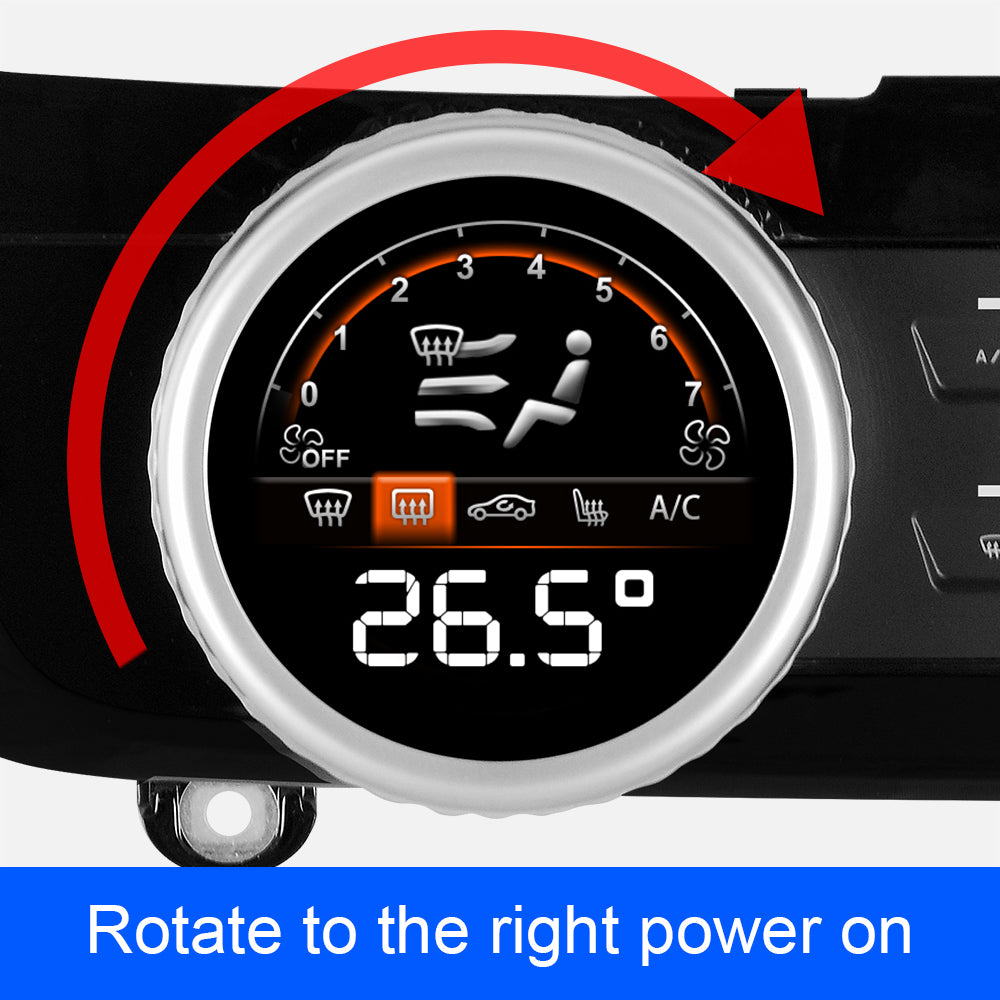
How To Turn On
You can turn it on by turning the knob to the right.

Diamond Knob
Easy operation with diamond pattern knob
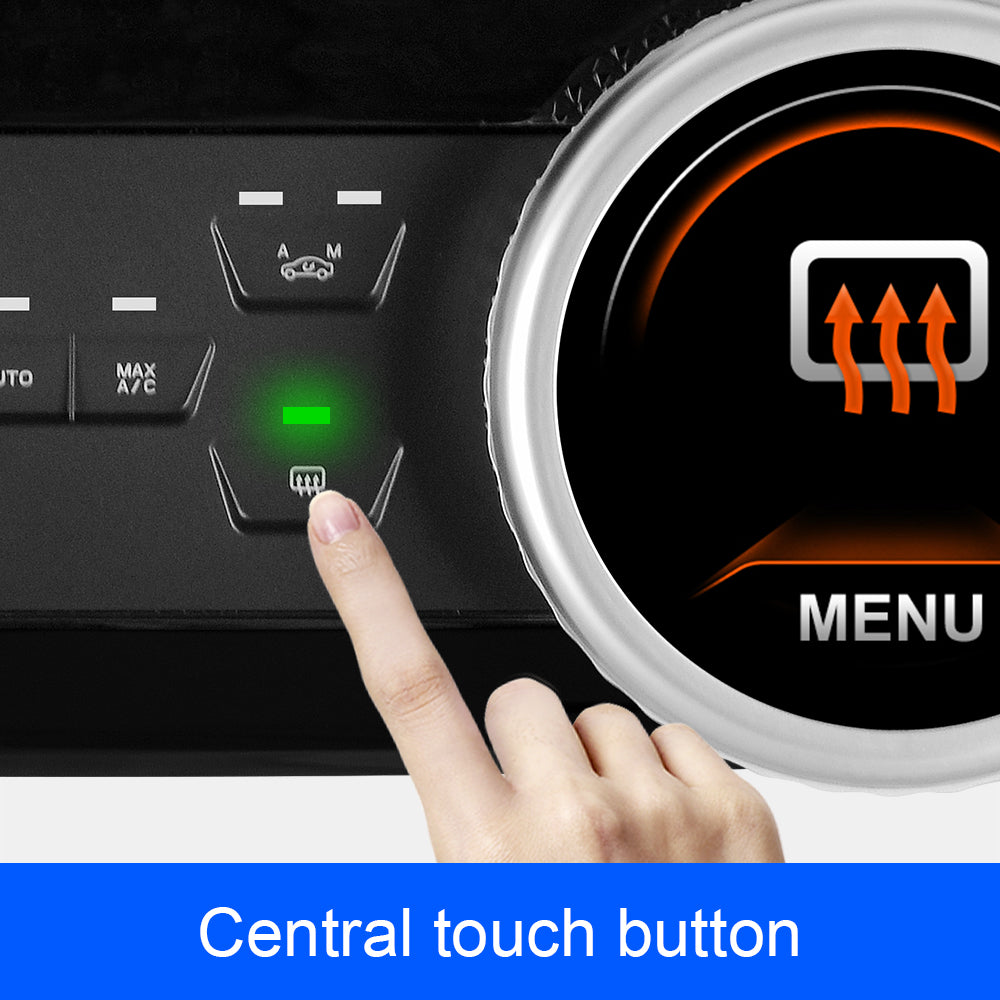
Touch Key
All buttons are touch controlled
Using the PEMP A/C LCD panel and hibernation screen
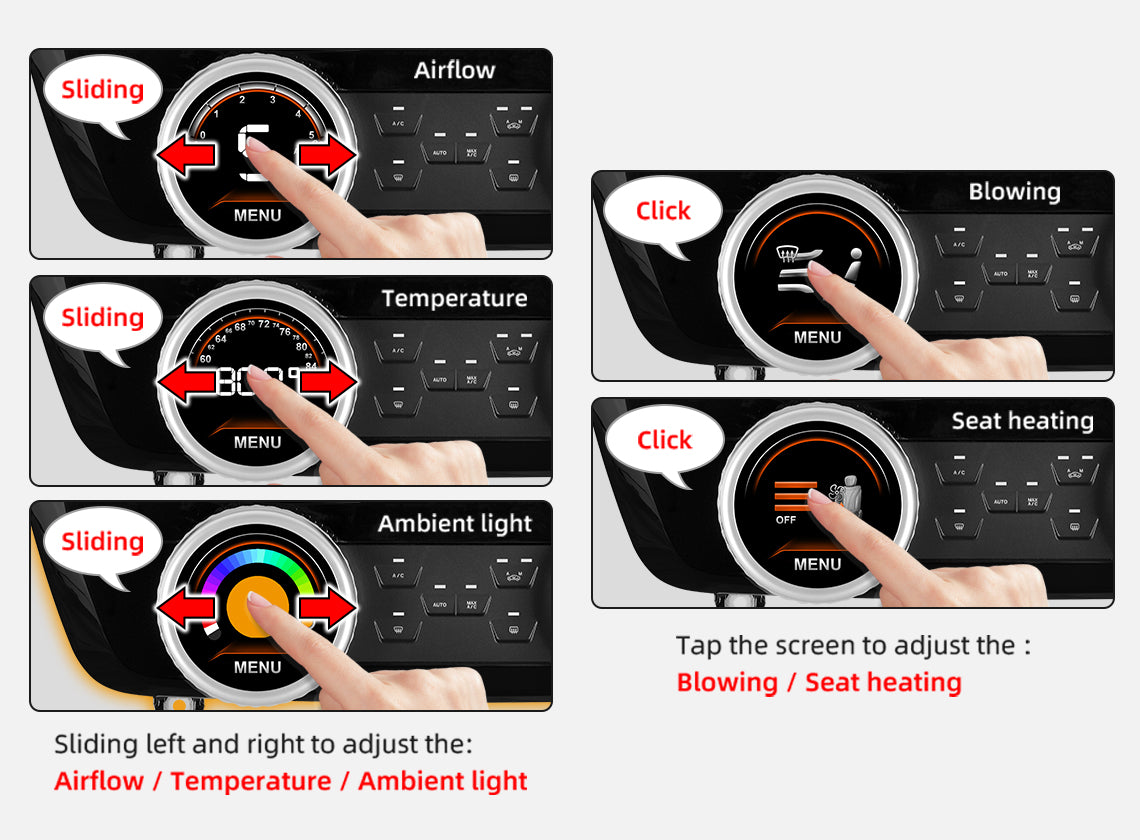
How To Use The PEMP A/C LCD Panel
1. you can use the left and right slide to adjust the temperature, air volume, ambient light color; ambient light you can also click the corresponding color to adjust. 2. you can click on the touch screen to adjust the blowing mode, seat heating temperature size.
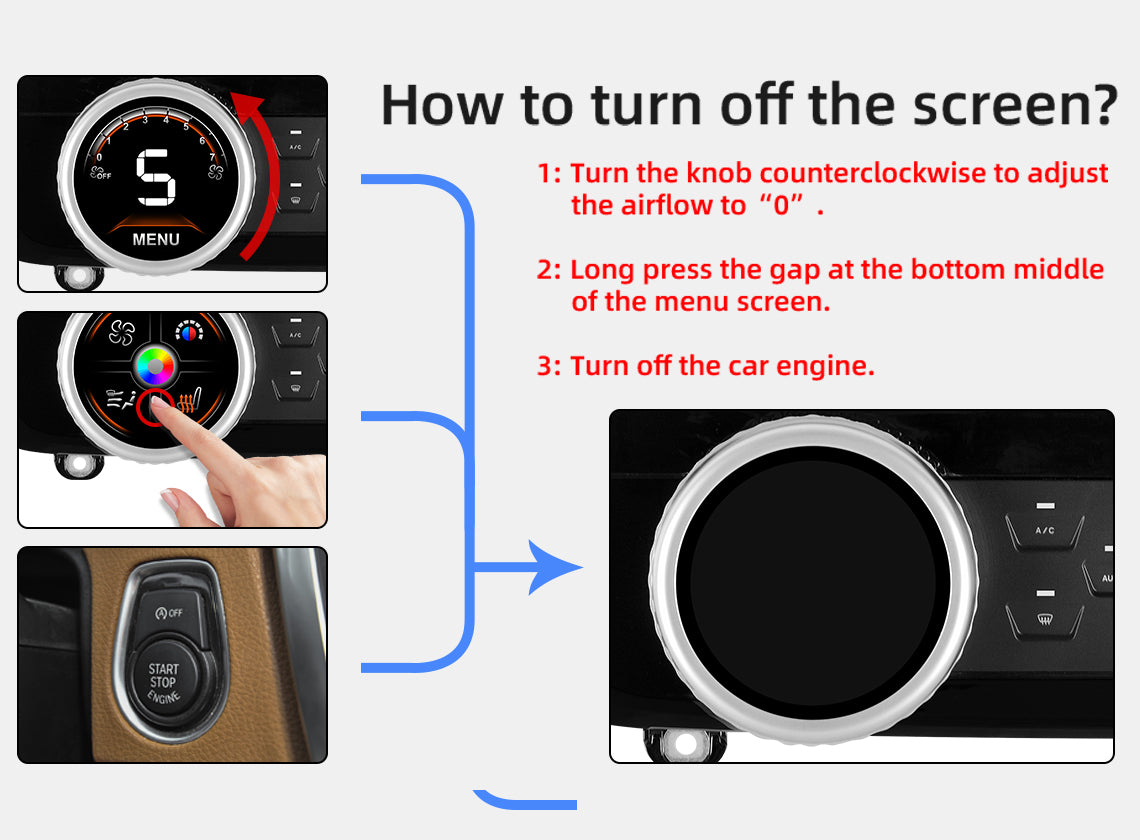
How To Turn Off The Screen
1. When you turn the knob to the left to 0 airflow, the Screen will turn off automatically after 30 seconds when you do not operate any button or function on the A/C Panel. 2. In the main screen, you long press the middle touch position at the bottom right. It will turn off the screen immediately. 3. When you turn off the engine and don't operate any buttons for 30 seconds, it will shut down.

Product Installation and Setup
Approaches to common problems

How To Update The Software
If you encounter any problem in using the product, you can follow these steps. 1. At the bottom right of the product, there is a reset hole, use a pin to push the reset button inside to get the product to restart. 2. If still can't solve your problem, you can update the product software. Please contact the after-sales service email address in the product manual to send the update software to you.

How to remove the CD panel ?
Please check the picture steps carefully

Applicable to F30 from 2012-2019
(Three kinds of original panels can be installed)
You May Also Like
IN THE BOX
Frequently Asked Questions
Pre-Sales FAQ
Answer your pre-sales questions
After-Sales FAQ
Answer your pre-sales questions