


PEMP Store
PEMP (9357) 12.3" Vertical Screen for BMW F01 F02 CIC Wired and Wireless Apple CarPlay Retrofit Android Auto,1920 x 720 Display Mirror Link Car Radio Bluetooth Video Player (2009-2012)
- 通常価格
- $329.00
- セール価格
- $329.00
- 通常価格
-
Shipping calculated at checkout.

$19.90

$69.00

$39.90


Return to your nearest address. (USA and Europe)


Utilizes Non-Air-Gap Lamination Technology
Read More


Intelligent Interconnection
Support wired and wireless
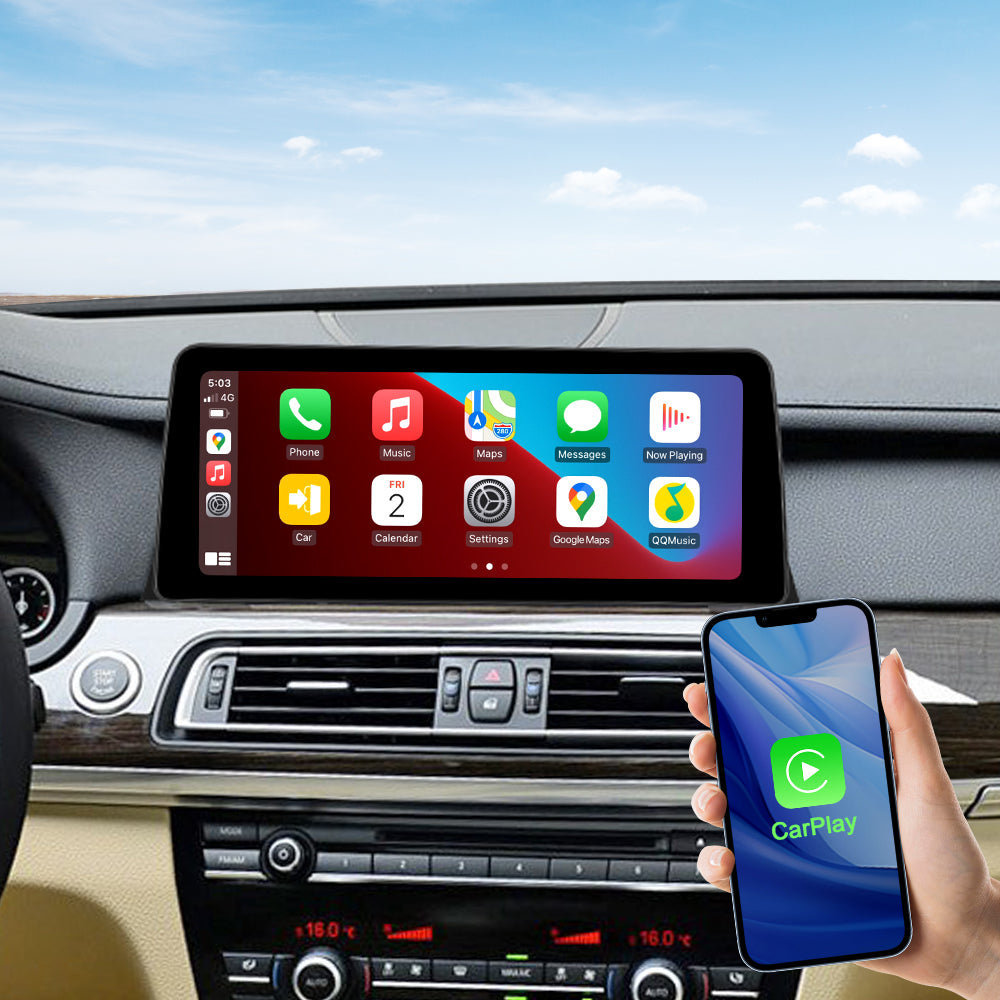
Built-in Wired And Wireless Carplay For BMW F01 F02
You can use Apple Maps, iTunes, Spotify Music and other apps on your phone.
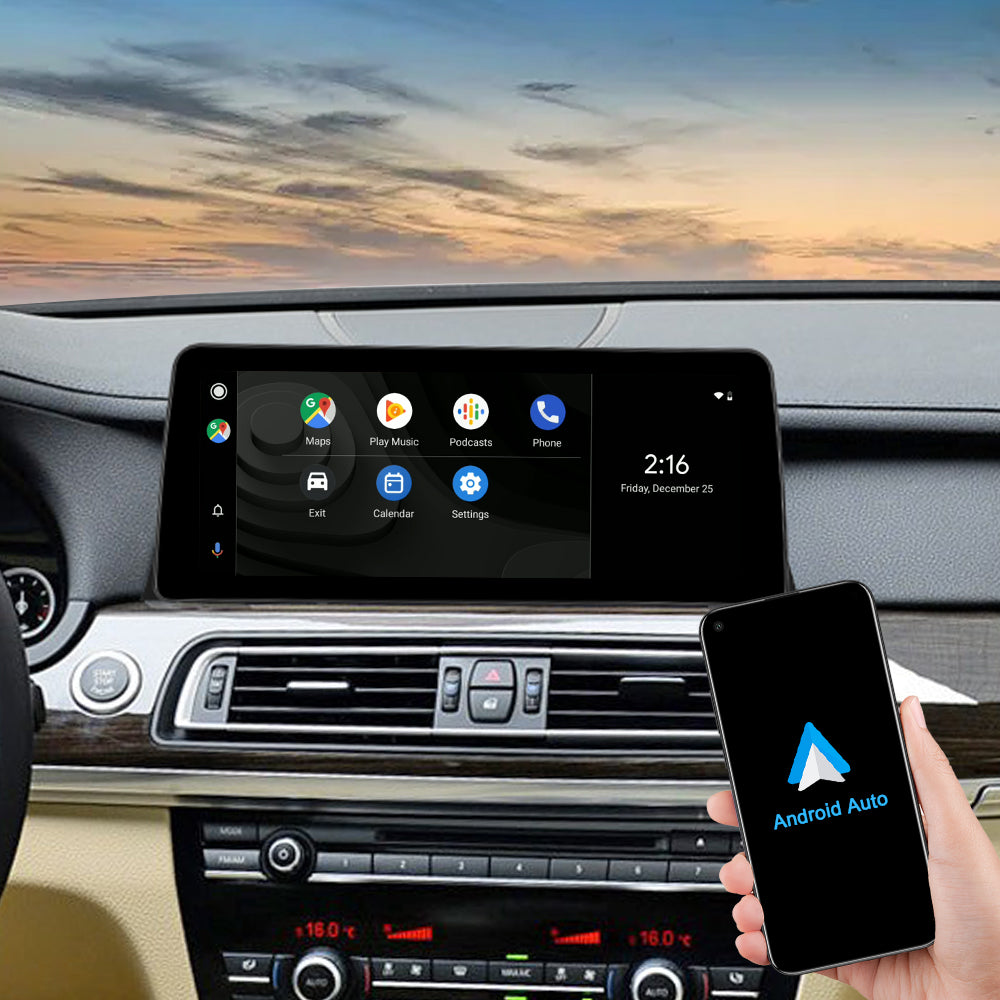
Built-in Wired And Wireless Android Auto For BMW F01 F02
You can use Google Maps, Spotify Music and other apps on your phone.
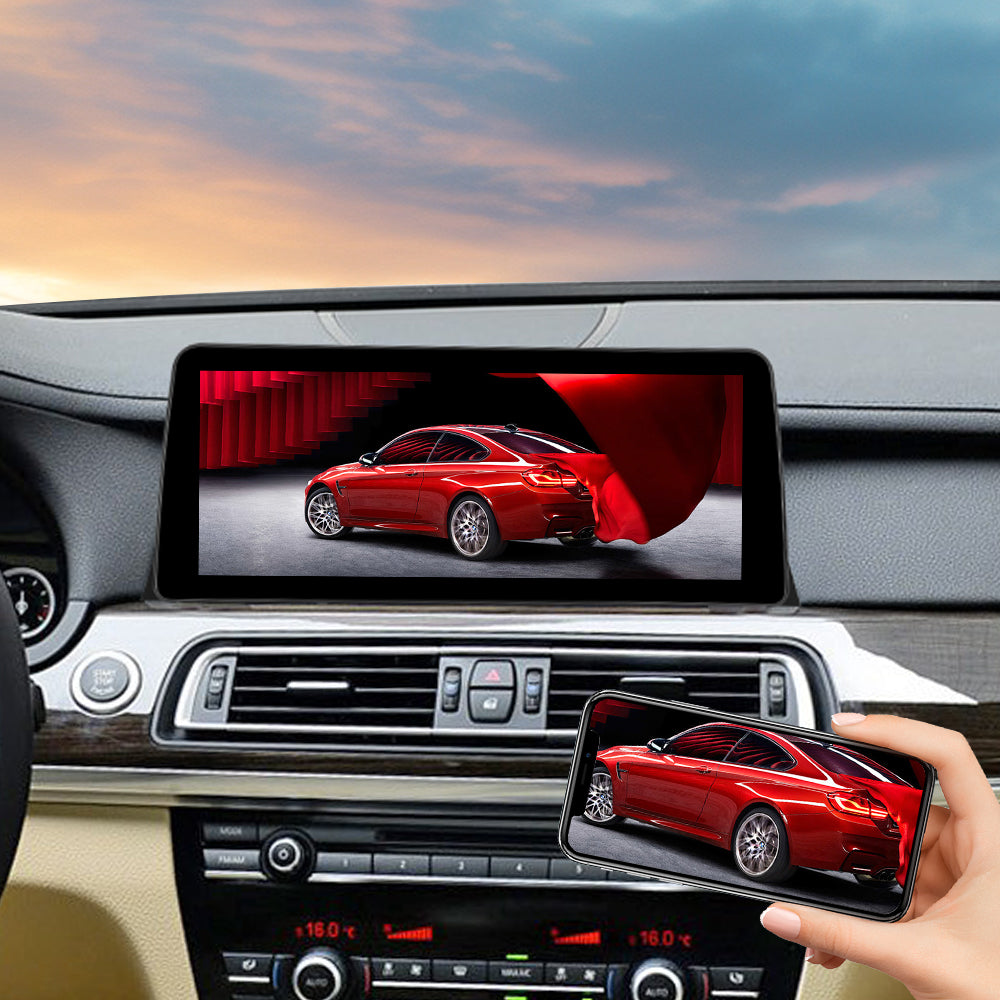
Built-in Wired And Wireless Mirror link For BMW F01 F02
You can mirror pictures or videos from your phone to your display through the Mirror Link program.
OEM Functions
Set the OEM Resolution
Please select the correct resolution for the OEM display within the settings, otherwise the OEM Car INFO may not display properly. Setup>Car Settings> Original Car's Screen Resolution> Select the item

Support the OEM or after-market Camera
Please select the correct camera option within Settings, Select Original Camera if it is a factory camera. Select Aftermarket Camera, if you are installing an aftermarket camera.


Product Installation and Setup
Approaches to common problems

Use The 12.3" Big Ips Touch Screen
Use 12.3" big screen, the Resolution: 1920X720 Aspect ratio: 8:3, Viewing angle: 170 degrees

The Wheel Knob Can Not Control The Linux
Because the steering wheel knob of F01 02 CIC uses the optical fiber control mode, there is no such command in the Canbus data. So it can't control the previous and next track of Linux.

Need use The USB IN1 Connect The Wired Function
Be sure to use USB IN 1 to connect the wired CarPlay Android auto and Mirror link function.

Move The Original Host Fiber Optic Cable To The Linux Harness
If your OEM radio has a fiber optic cable above the power harness, Pls move it to the Linux harness. Otherwise you can't get the car information and the Linux sound. And it will be accompanied by a heartbeat wheezing sound.
You May Also Like
IN THE BOX
1× Linux Screen

1 x ISO Wiring Harness

1 x USB Cable

1 x Audio Cable

1 x Installation manua

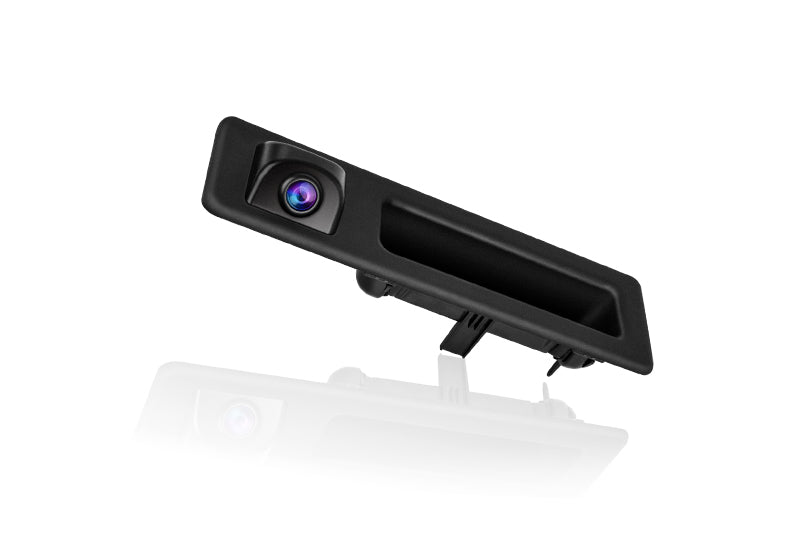
Reversing Camera (Only for With Camera option)
Frequently Asked Questions
Pre-Sales FAQ
Answer your pre-sales questions
After-Sales FAQ
Answer your pre-sales questions