PEMP Store

PEMP (NTG 4.5) for Mercedes W212 W204 W176 C117 W463 X15 CarPlay Android auto, E C A CLA G GLA Class Accessories NTG 4.5 2012-2015 MMI Box Use The OEM Microphone.

Regular price
$259.00
Sale price
$259.00
Regular price
Shipping calculated at checkout.
  1. Vehicle Compatibility: Before installing the MMI box adapter, carefully verify your vehicle's chassis number, car class, and year. This adapter is specifically designed for Mercedes models from 2012 - 2015, including the W204 (C - Class) and W212 (E - Class) equipped with the NTG4.5 system.
  2. Camera Compatibility: The product supports audio and video playback, with compatibility for CVBS reversing camera input. However, it does not support AHD cameras.
  3. Connectivity and Control: The MMI box offers support for both wired and wireless CarPlay and Android Auto. It also enables seamless control via the car's steering wheel buttons, providing a convenient and hands - free driving experience.
  4. AMI and Sound Setup: If your car is equipped with an AMI port, ensure to connect the provided AMI audio transmission cable. For the vast majority of NTG4.5 cars that transmit sound via AUX, switch to the AUX position in the OEM interface before using the CarPlay and Android Auto functions.
  5. Resolution Adjustment: Based on the 7" or 8.4" size of your vehicle's stock display, adjust the resolution settings using the dial buttons on the back of the MMI box. Follow the detailed setup instructions on the back of the box to select the optimal resolution for your OEM display.
  6. Special Note: Verify that your car has an AMI port to ensure proper sound output. When using the "CarPlay and Android Auto" functions, this device does not support factory Bluetooth or Bluetooth audio. Only sound transmission via AUX is supported.
Pay in installment: $661 /mth
Payment
MastercardVisaAmerican Express PayPalMaestroKlarnaJCBDiscover

  1. Compatible Devices iphone android phone
  2. Specific Uses For Product Microphone
  3. Connector Type USB
  4. System NTG4.5
  5. Item dimensions L x W x H 5.72 x 4.15 x 1.15 inches

1-Year Warranty
In stock! Ships within 1-2 business days.
Respond to questions within 12 hours.
Return to your nearest address. (USA and Europe)
How To Open The AUX MENU For The NTG 4.5

If the oem menu no AUX MENU, you won't be able to get Sound of the MMI BOX.

Please follow the steps above to activate your AUX MENU first, then install the PEMP MMI box.

Read More
NTG 4.5 MMI box dial Switch and how to connect the OEM LVDS

How to set the DIAL SWITCH?

If the resolution of your original car screen is 800X400 and the screen size is 7 inches, please set it to A.

If the resolution of your original car screen is 400X240 and the screen size is 5.8 inches, please set it to B.

How to Connect the OEM LVDS Cable?

Step 1. Please unplug the original LVDS harness behind the OEM radio; and connect it to the TO TFT LVDS IN labeled TO TFT LVDS IN;

Step 2. Please plug the TO CD LVDS OUT into the OEM LVDS socket position.

Read More

Intelligent Interconnection

Support wired and wireless
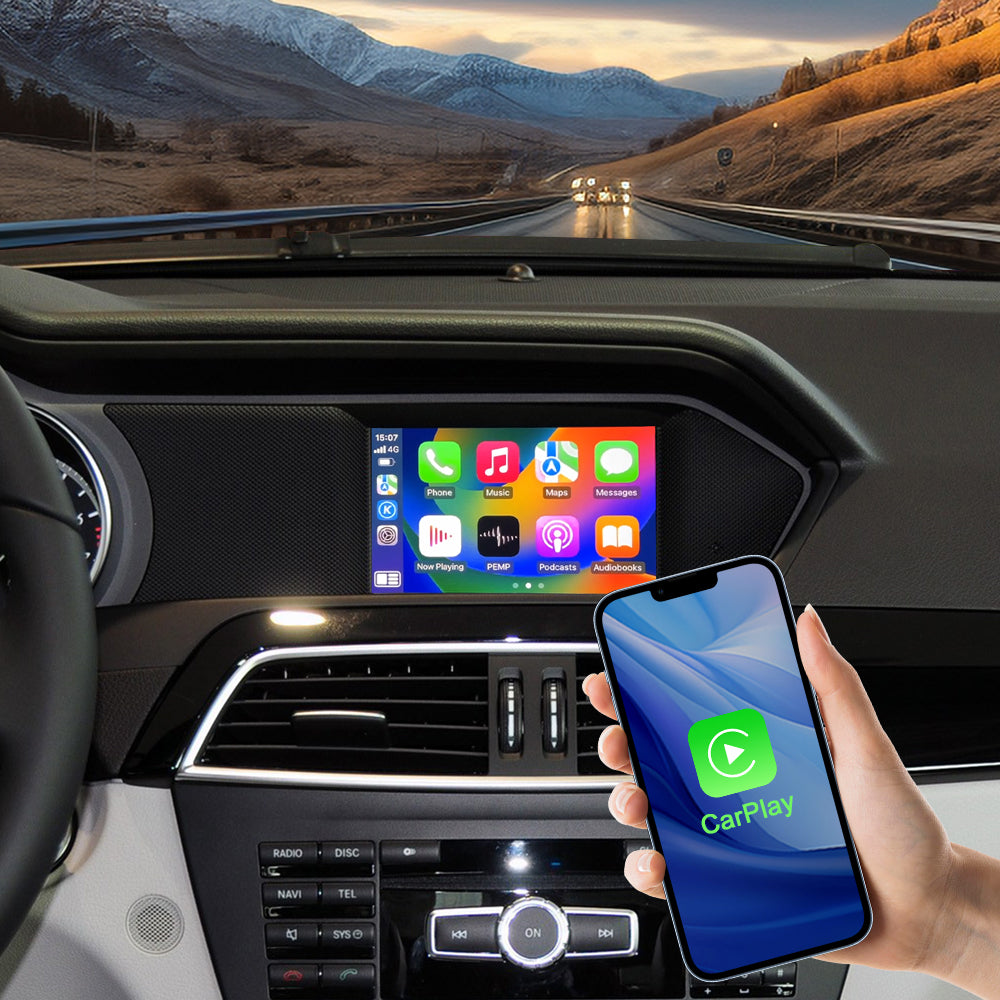
Support Wired/Wireless Carplay

Please use USB1 to use the wired CarPlay function.
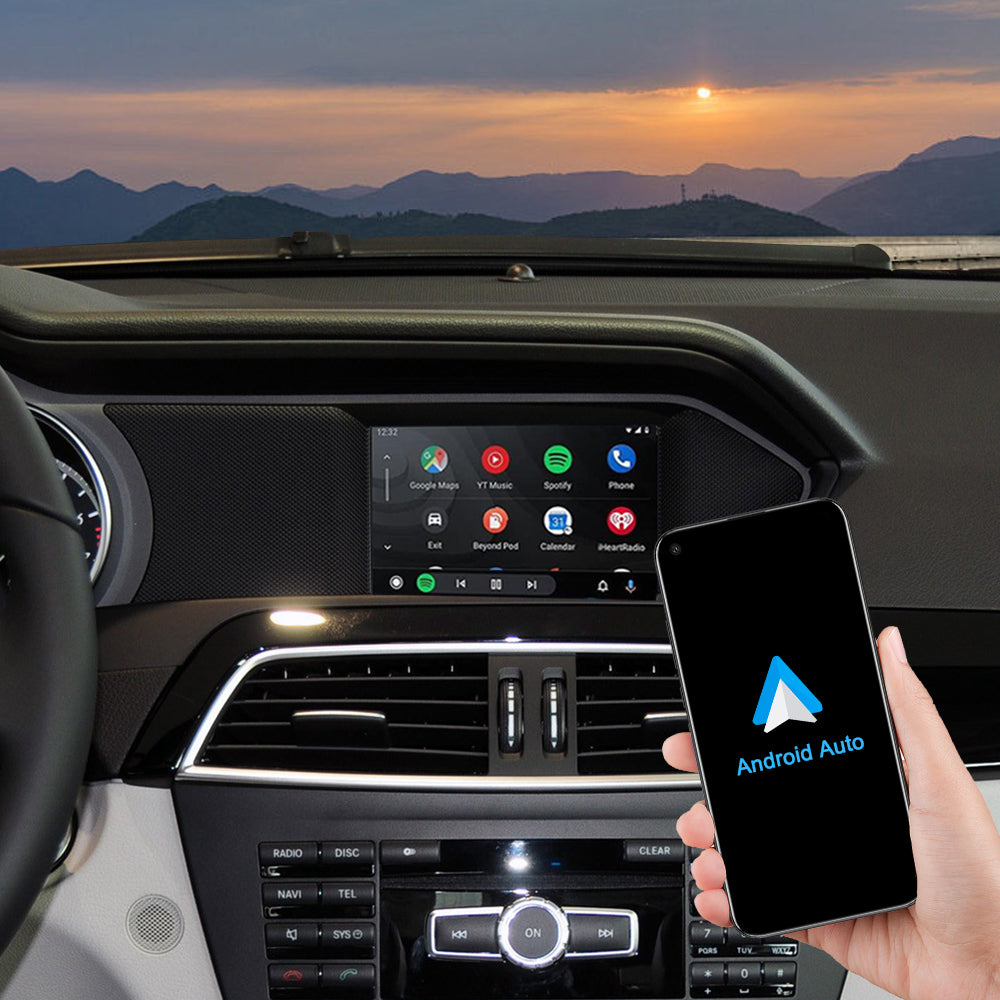
Support Wired/Wireless Android auto

Please use USB1 to use the wired Android Auto function.
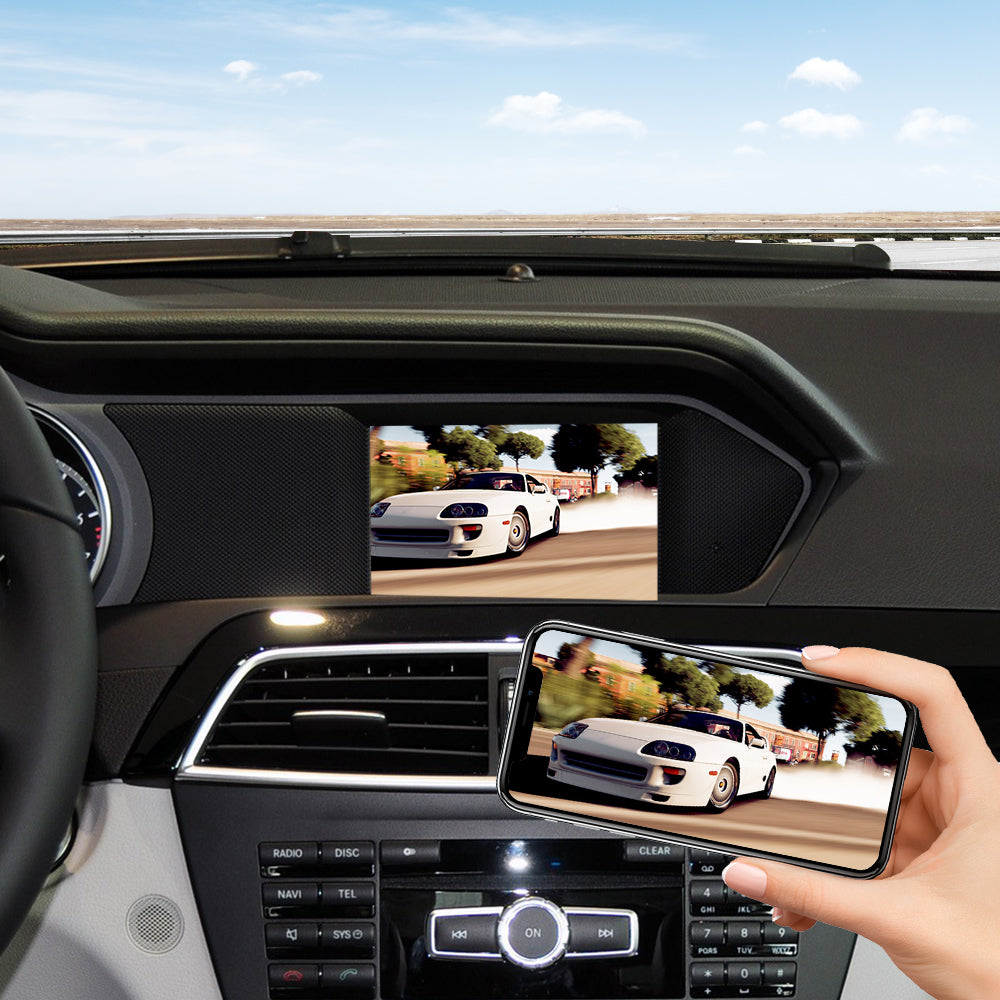
Support wied wireless Mirror Link

Please use USB1 to use the wired Android Mirror Link function.

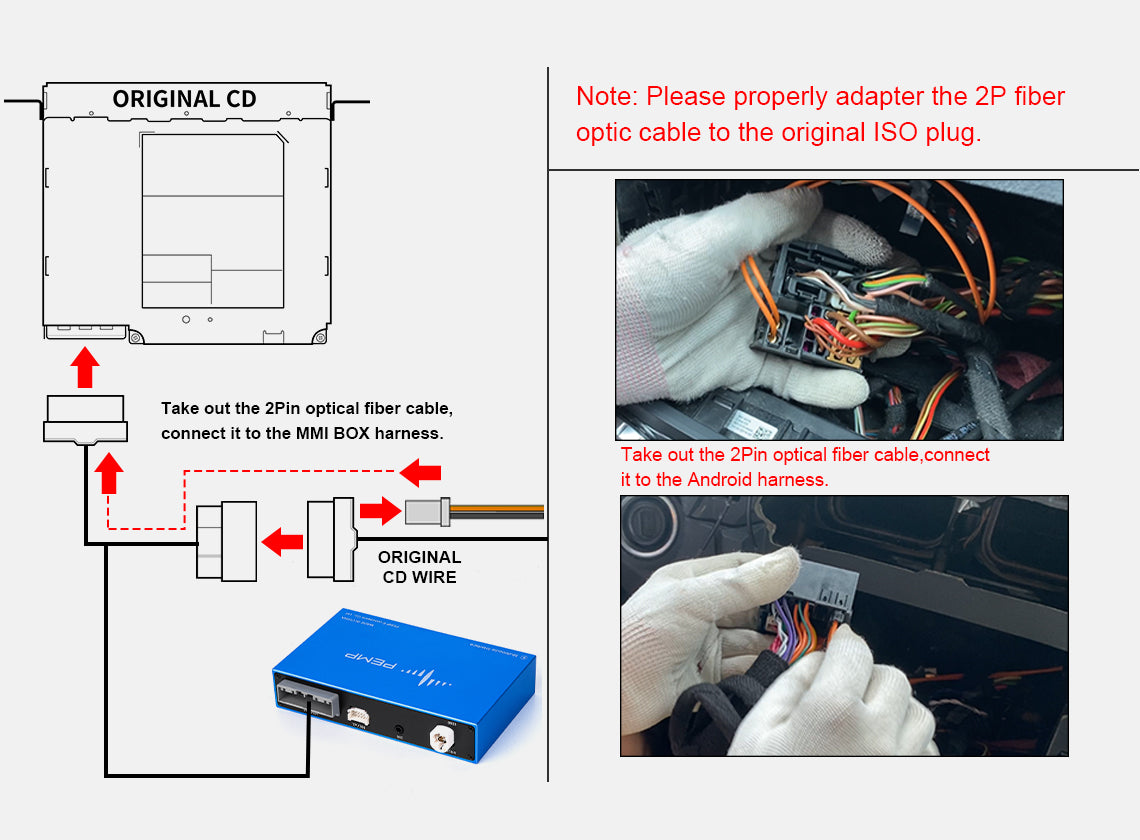
Fiber optic adapter and manual car setup

Please that move the OEM fiber optic harness to the device ISO harness.

Please that move the OEM fiber optic harness to the device ISO harness.

Please note: If you have fiber optics on your car's radio ISO harness, be sure to move it to the proper location on the ISO harness. Allow it to communicate with the radio or it will not emit sound.
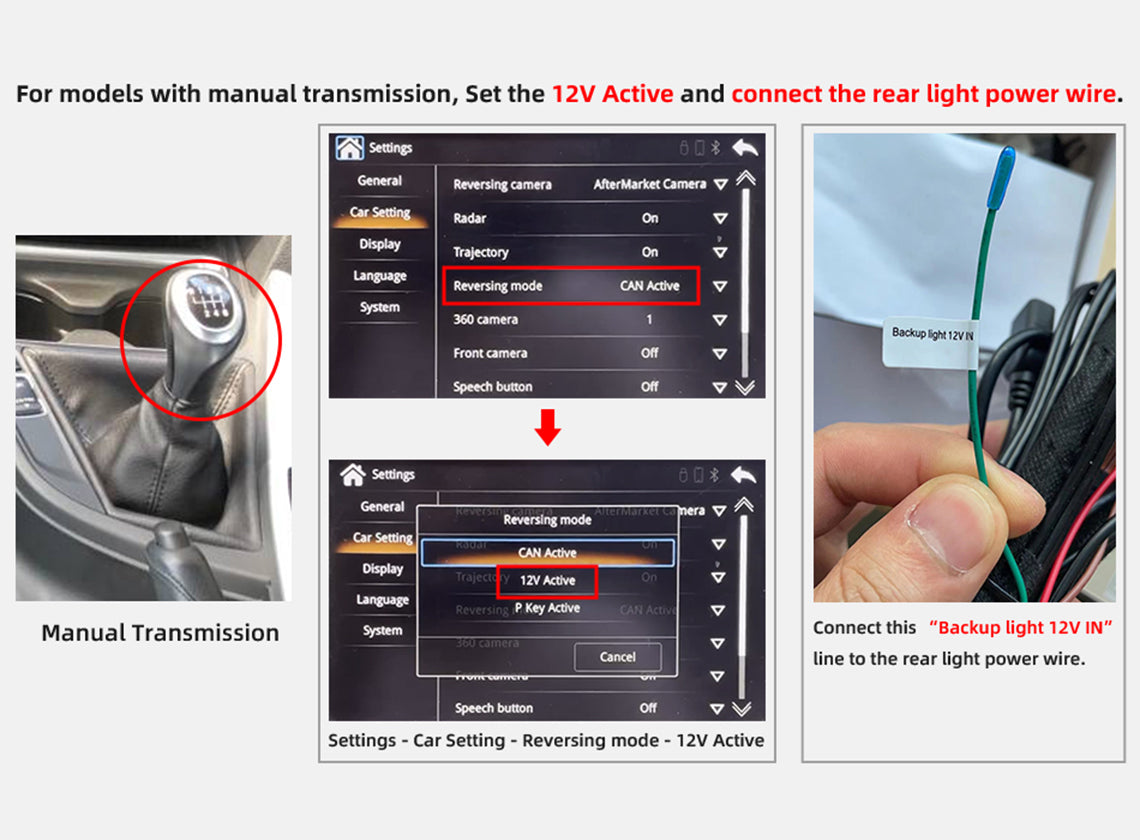
Manual car setup

If the car is a Manual Transmission, you need select the 12V Active option in the Car settings. At the same time, you need to use the power cord of the backup light to connect with the Backup light 12v in.
Product Video

MMI Box for Mercedes NTG 4.5 Installation Video

Product Installation and Setup

Approaches to common problems

How to connect the microphone and settings

USE THE OEM MIC 1. If your car has the OEM microphone, you need insert the mic cable of the iso harness to the MIC Socket on the box; 2. Set the microphone to OEM microphone.

How to set the camera type normally?

1. If the car has OEM camera, you need select the Factory Camera in the settings. 2. If you install a after-market camera, you need select the Aftermarket Camera option in the settings. Note: Select the camera type correctly for your reverse to display the screen properly.

You May Also Like

Frequently Asked Questions

Pre-Sales FAQ

Answer your pre-sales questions

After-Sales FAQ

Answer your pre-sales questions