


PEMP Store
PEMP (7121) Dual Screen Style W221 W216 CarPlay Android Auto 12.3" Android 13 Snapdragon 8core 8+128GB Display for Mercedes S CL Class NTG 3.0 3.5 (2006-2013) With a AHD Reverse Camera
- Normaler Preis
- $910.00
- Verkaufspreis
- $910.00
- Normaler Preis
-
Der Versand wird an der Kasse berechnet.

$19.90

$39.00

$0.00
$23.90

Return to your nearest address. (USA and Europe)


AHD 1080P 30FPS HD inverted picture camera is standard.
Read More


Android Dual Screen!
Read More


Intelligent Interconnection
Support wired and wireless
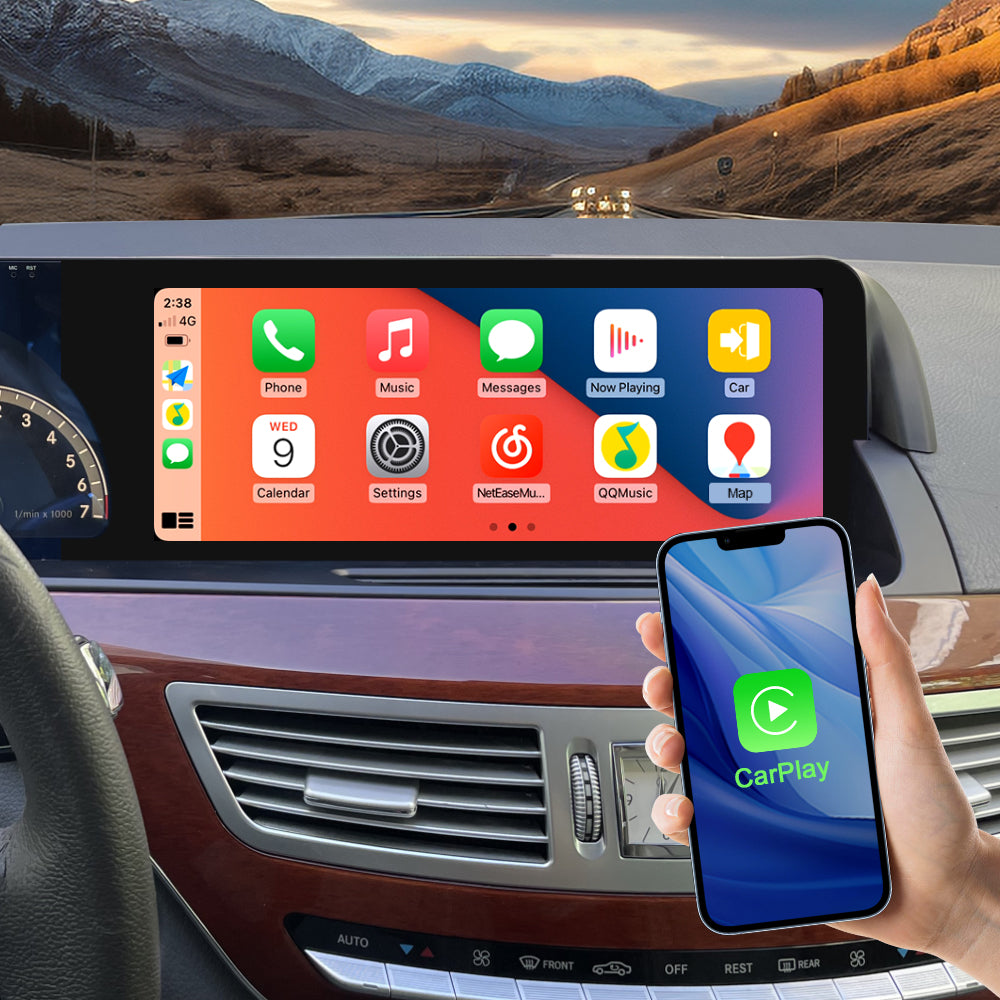
Support wied wireless carplay
Please use USB1 to use the wired CarPlay function.
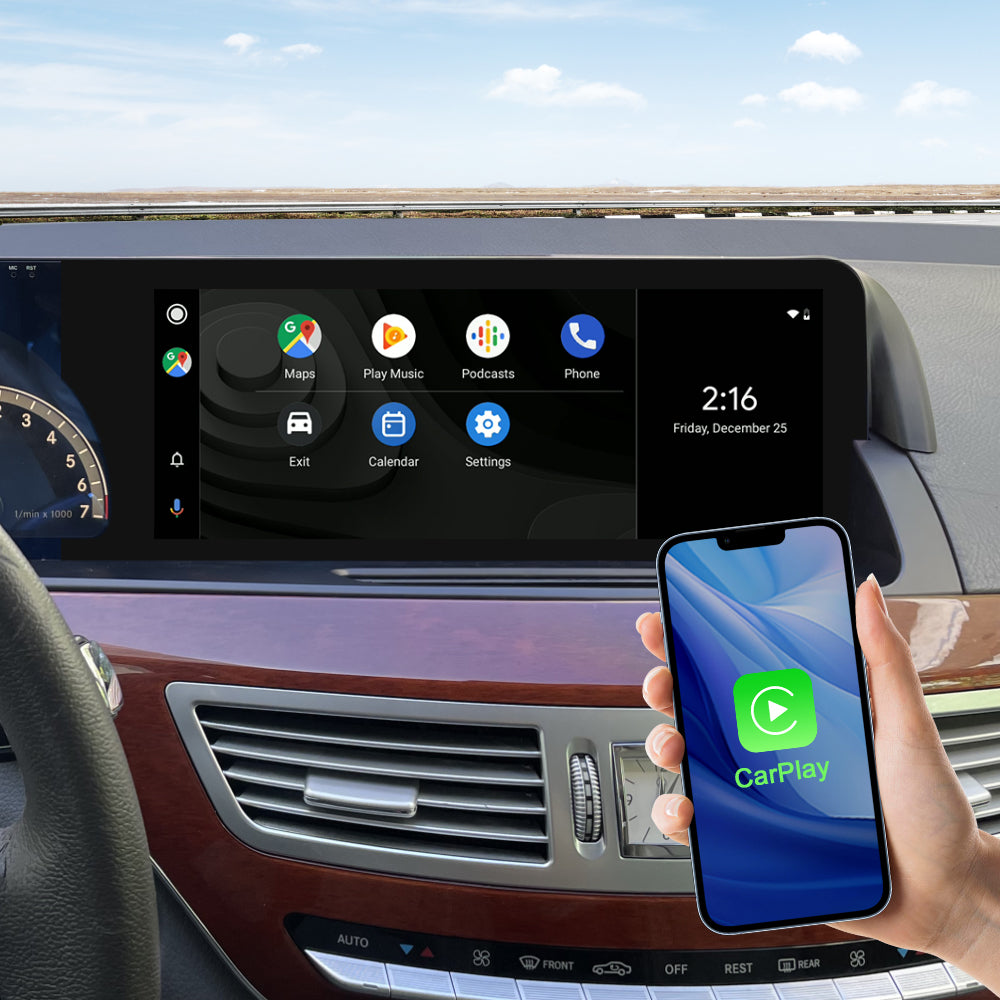
Support wied wireless Android Auto
Please use USB1 to use the wired Android Auto function.
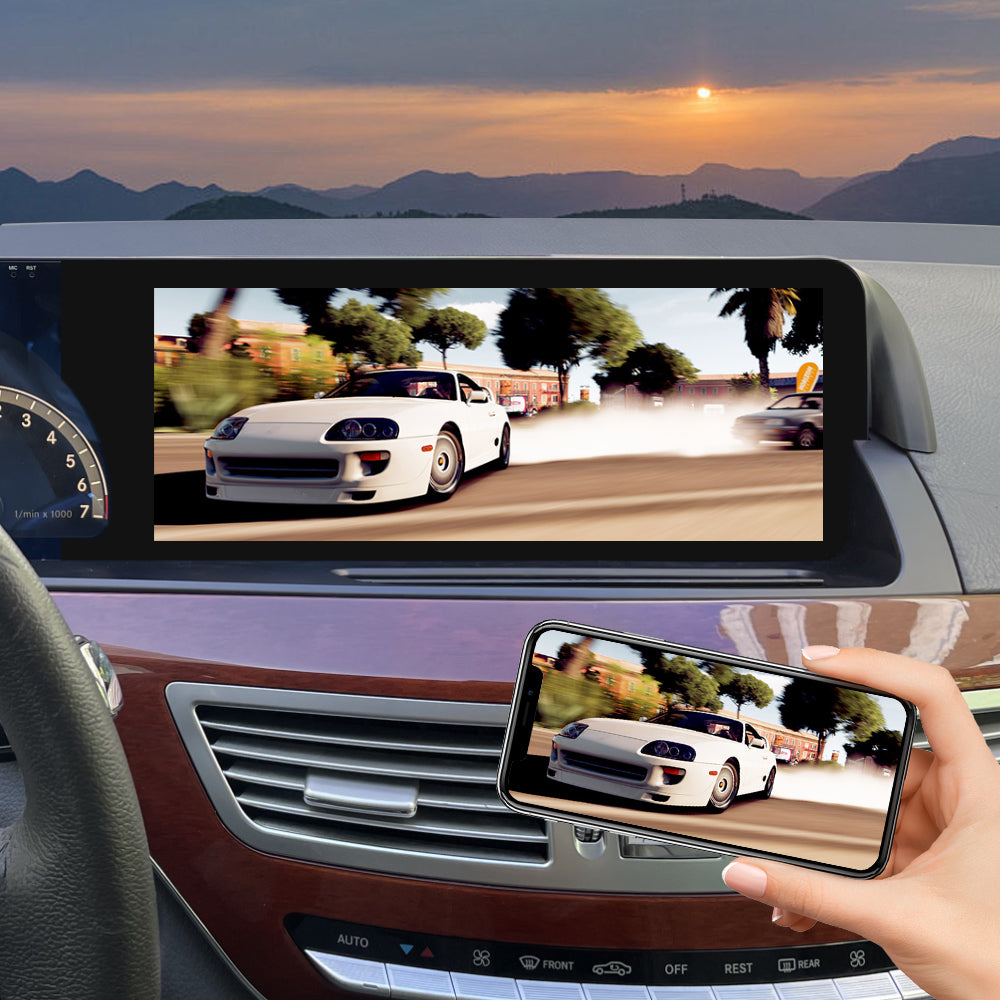
Support wied wireless Mirror Link
Please use USB1 to use the wired Android Mirror Link function.
Knob control and access to sound
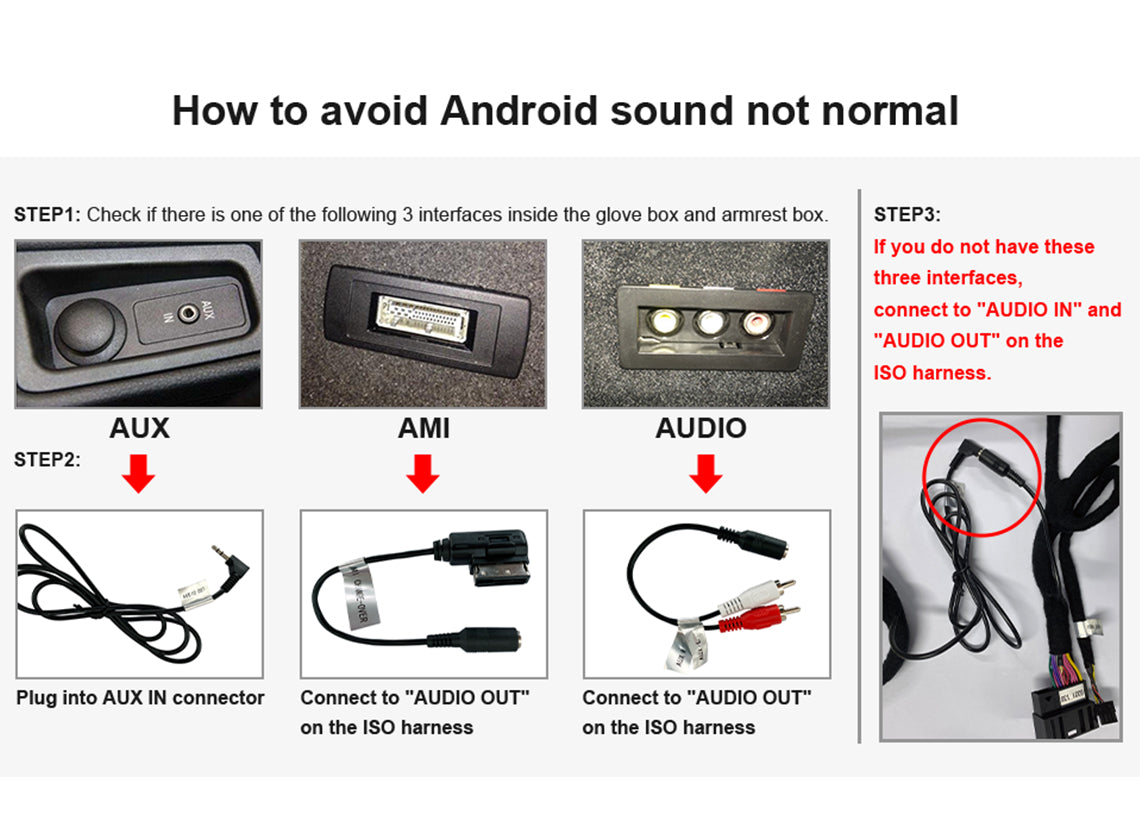
How to get the android sound
This is a very important of Andriod Sound. 1.When your car has AMI, give priority to plug in the AMI audio cable. 2. If it doesn't have AMI interface and has AUX input, you need to use the AUX audio cable to connect. 3. If your car has the 3.5mm AUX jack, please connect the Android harness with the 3.5mm audio plug on top of it. 4. If your car has neither AMI nor AUX, you need to plug the audio in put and audio out put cables above the ISO directly to each other.
Please connect the LVDS BOX VCC+12V to the DVR_POWER on the ISO cable.
A. How to get the OEM car info. 1. If your car is a NTG3.0(2007-2009), please use the NTG3.0 LVDS BOX, Make sure connect the VCC +12V of the LVDS BOX to DVR_POWER wire. 2. If your car is a NTG3.5(2010-2013), please use the NTG3.5 LVDS BOX, Make sure connect the VCC +12V of the LVDS BOX to DVR_POWER wire. B. You can open the ESP analog button control on the android screen.


Product Installation and Setup
Approaches to common problems

Move The Original Host Fiber Optic Cable To The New Harness
If your OEM radio has a fiber optic cable above the power harness, Pls move it to the new harness. Otherwise you can't get the car information and the CarPlay sound. And it will be accompanied by a heartbeat wheezing sound.

You Can Choose Special Covers For Your Yeehung W221 Dual Screen.
You can choose the correct color if you want to get the same dash cover as the interior color.

Activate The OEM AUX Menu (NTG 3.0) ,Otherwise You Won't Get The Android Sound.
If your NTG 3.0 the OEM menu doesn't have AUX, you need to activate it. Otherwise you can't get the Android sound.

Judge the NTG version according to the CD panel and Switch Panel of the original car
Big CF card slot, The button is ESP is NTG3.0 .Small SD card slot, The button is SPORT is NTG3.5.
You May Also Like
IN THE BOX
1×Android Screen

2×Dashboard border

1×Dashboard bracket

1×1080P AHD reversing camera

1×ISO Wiring Harness

1×RCA Cable

1×4G Antenna 1×GPS Antenna

1×Microphone

1×AMI adapter cable

2×LVDS adapter box

1×Audio adapter cable

1×Internal bracket

Frequently Asked Questions
Pre-Sales FAQ
Answer your pre-sales questions
After-Sales FAQ
Answer your pre-sales questions