


PEMP Store
PEMP (7129) W166 X166 Android 13 Snapdragon 8core 8+128GB Blue Anti-glared HD Touch Screen 12.3" CarPlay Android auto, for Mercedes Benz GLE GLS Class NTG 5.0 2016-2019
- Normaler Preis
- $869.00
- Verkaufspreis
- $869.00
- Normaler Preis
-
Der Versand wird an der Kasse berechnet.

$65.00

$39.00

$0.00
$23.90

Return to your nearest address. (USA and Europe)


Product Features
Read More


Intelligent Interconnection
Support wired and wireless
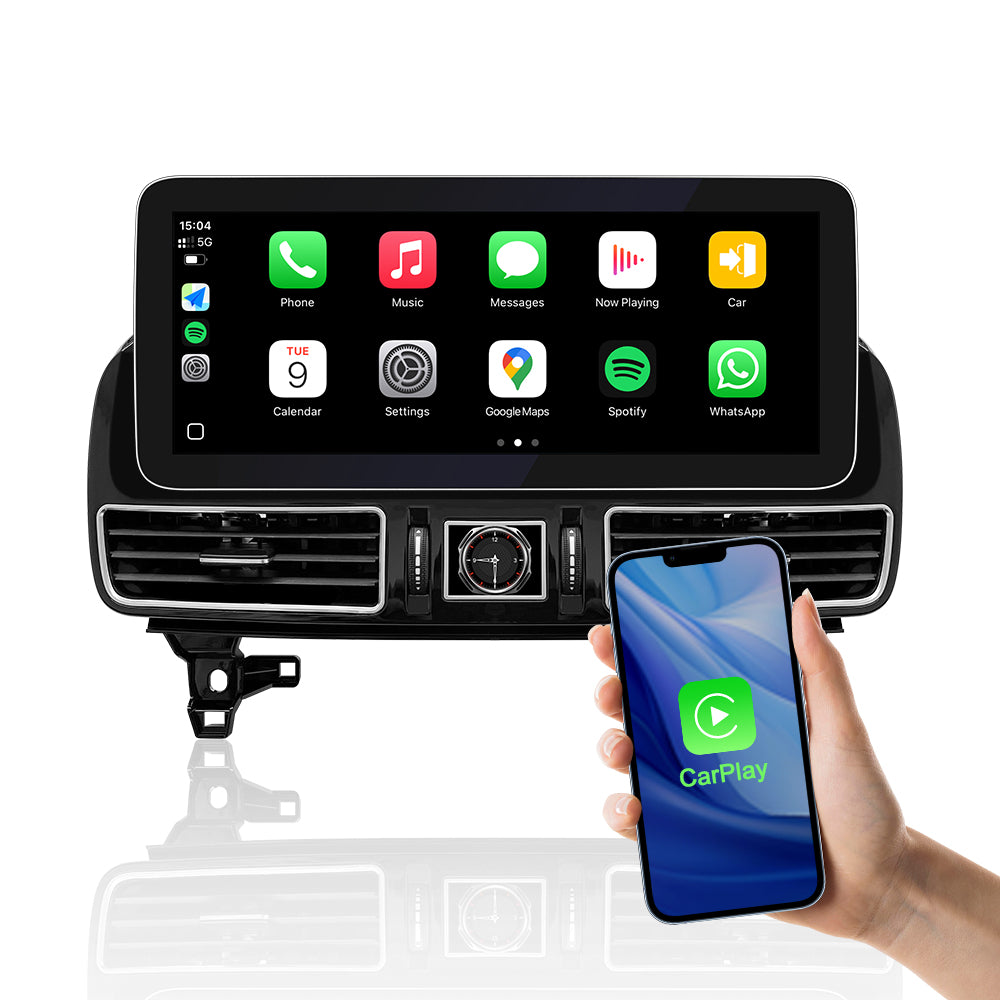
Support wied wireless carplay
Please use USB1 to use the wired CarPlay function.
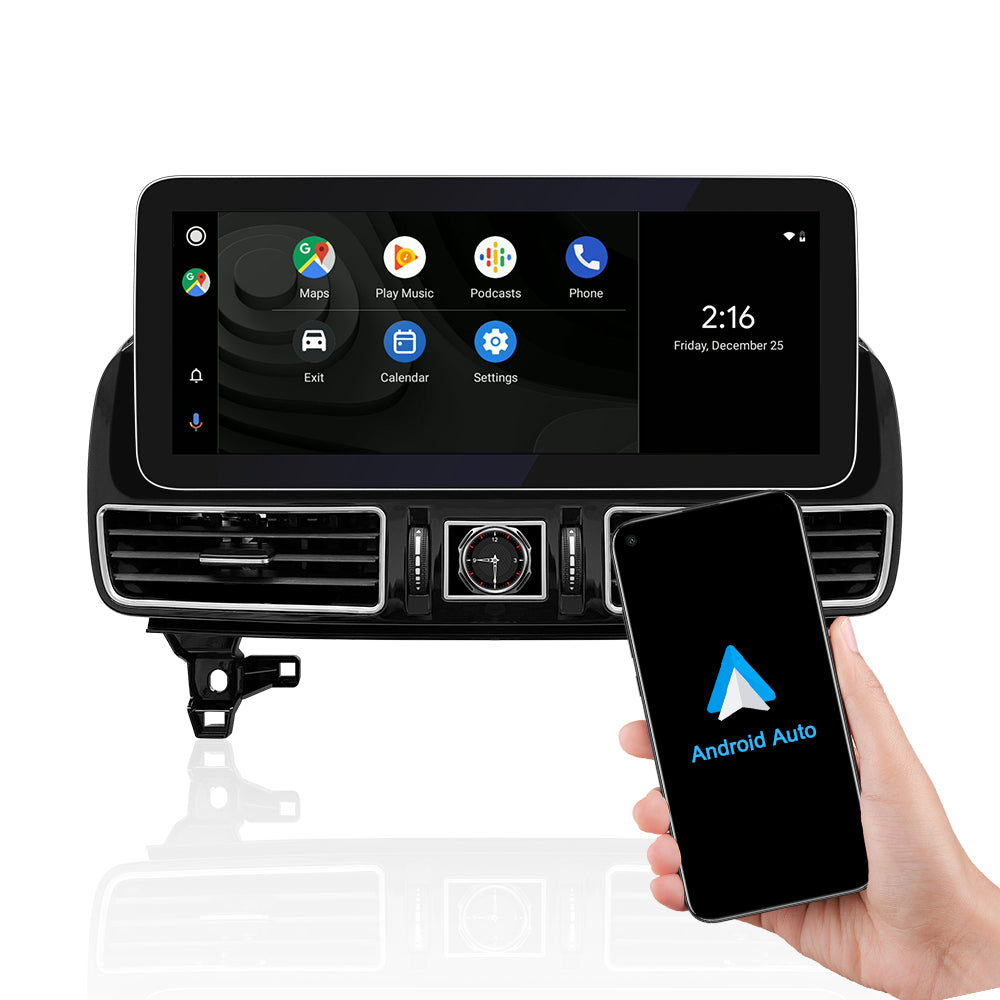
Support wied wireless Android Auto Please
Please use USB1 to use the wired Android Auto function.
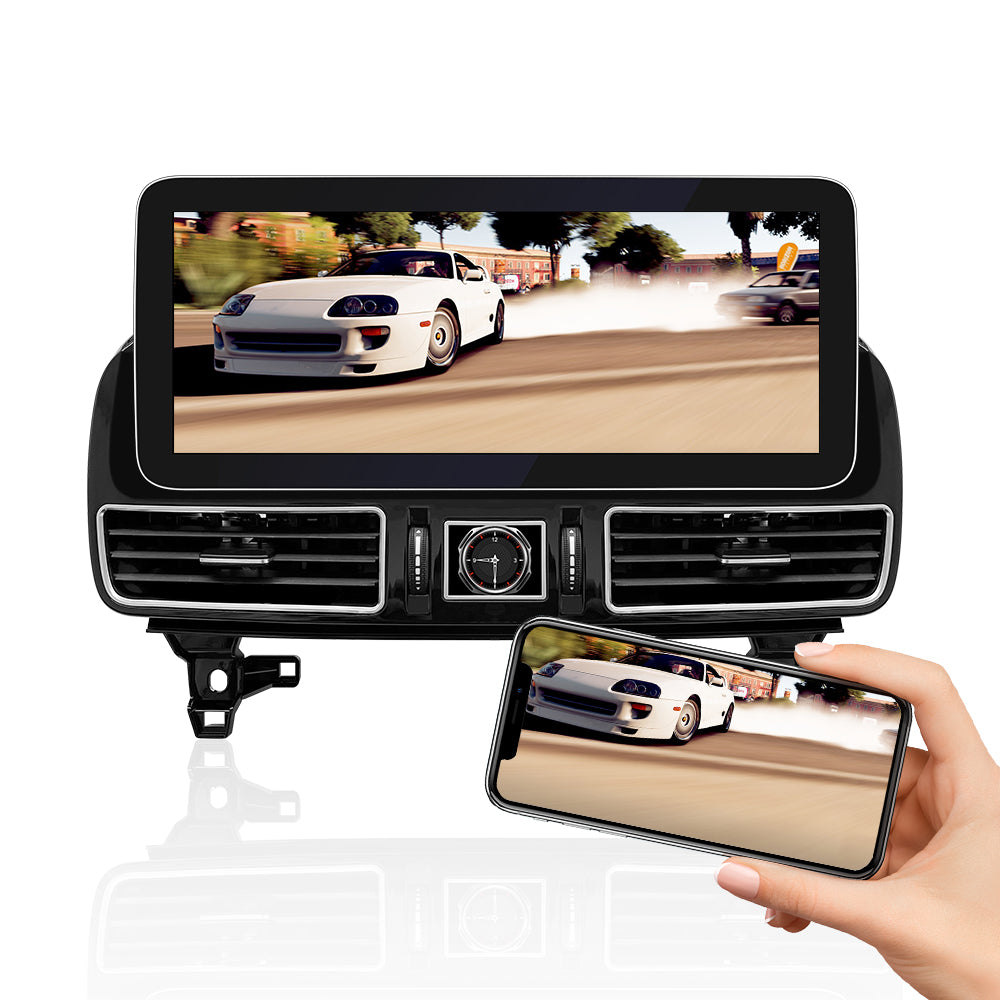
Support wied wireless Mirror Link
Please use USB1 to use the wired Android Mirror Link function.
Setting AUX Position and blue anti-glare
NTG 5.0/5.5 SOUND SOLUTIONS
NTG 5.0/5.5 needs to be connectedto the USB of the original driver'sarmbox to have Android sound,

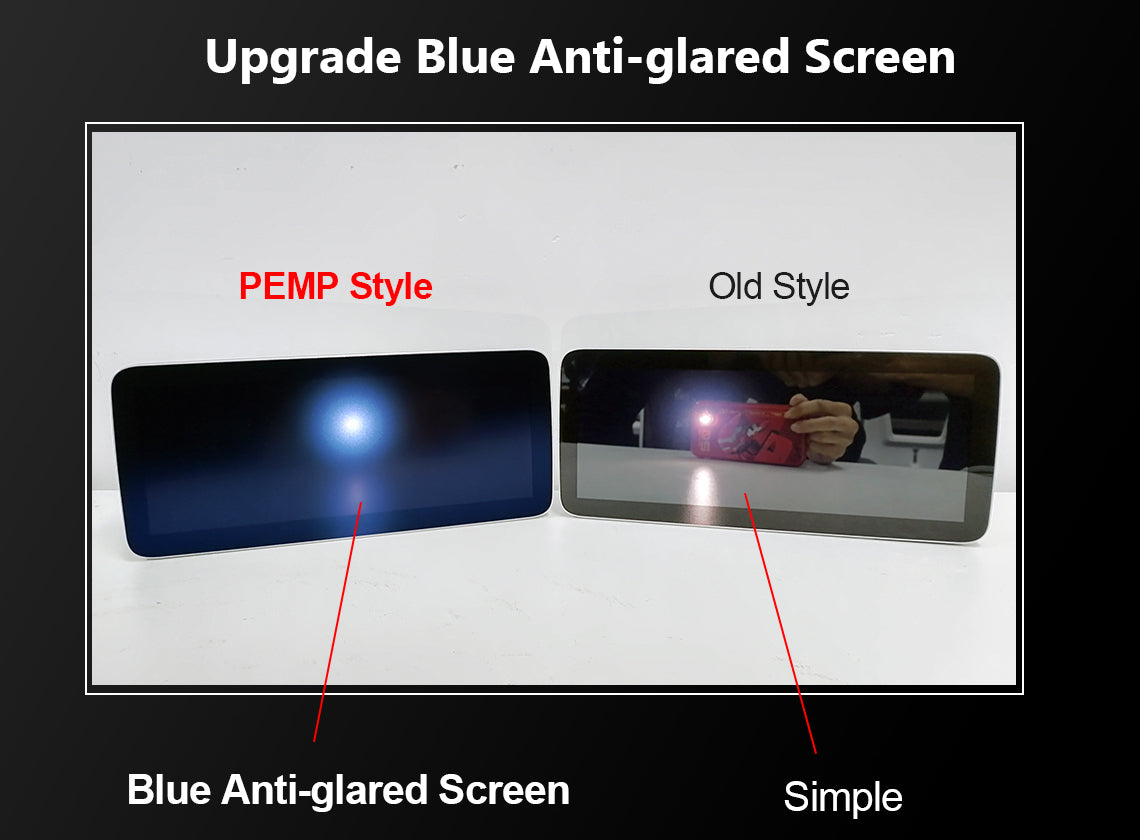
Blue Anti-Glared Technology
Use the blue Anti-Glared touch screen to absorb the reflected light. The display screen is no longer like a mirror, making you safer to drive a car. Use G + G capacitive touch screen. It can prevent the screen from being scratched and is easier to clean.

Product Installation and Setup
Approaches to common problems

Move The Original Host Fiber Optic Cable To The New Harness
If your OEM radio has a fiber optic cable above the power harness, Pls move it to the new harness. Otherwise you can't get the car information and the CarPlay sound. And it will be accompanied by a heartbeat wheezing sound.

Setting Your OEM Screen Resolution On PEMP Android Screen
If your OEM interface is incomplete on the Android screen, you can set this parameter to achieve the best effect. The setting method is as follows: Settings > factory > password 190627 > Car Display > select the correct display size of your OEM Screen.

SET THE OEM SCREEN INFO RESOLUTION
When you install successfully, The OEM info display may be wrong.
You May Also Like
IN THE BOX
1× Android screen

1 × ISO Wiring Harness

1 × Panel

1 X Base

1 × RCA Cable

1 × GPS Antenna

1 × 4G Antenna

1 × USBAUX adapter

1 × Microphone

1 × Installation Manual

1 × User manual

Frequently Asked Questions
Pre-Sales FAQ
Answer your pre-sales questions
After-Sales FAQ
Answer your pre-sales questions