


PEMP Store
PEMP (CIC) Wireless CarPlay, Android auto Airplay Mirror Link, for BMW E60 E84 E89 E90 E70 F07 F10 F12 F01 F25 CIC
- Normaler Preis
- $349.00
- Verkaufspreis
- $349.00
- Normaler Preis
-
Der Versand wird an der Kasse berechnet.
Pay in installment: $661 /mth

Payment

Return to your nearest address. (USA and Europe)


Intelligent Interconnection
Support wired and wireless
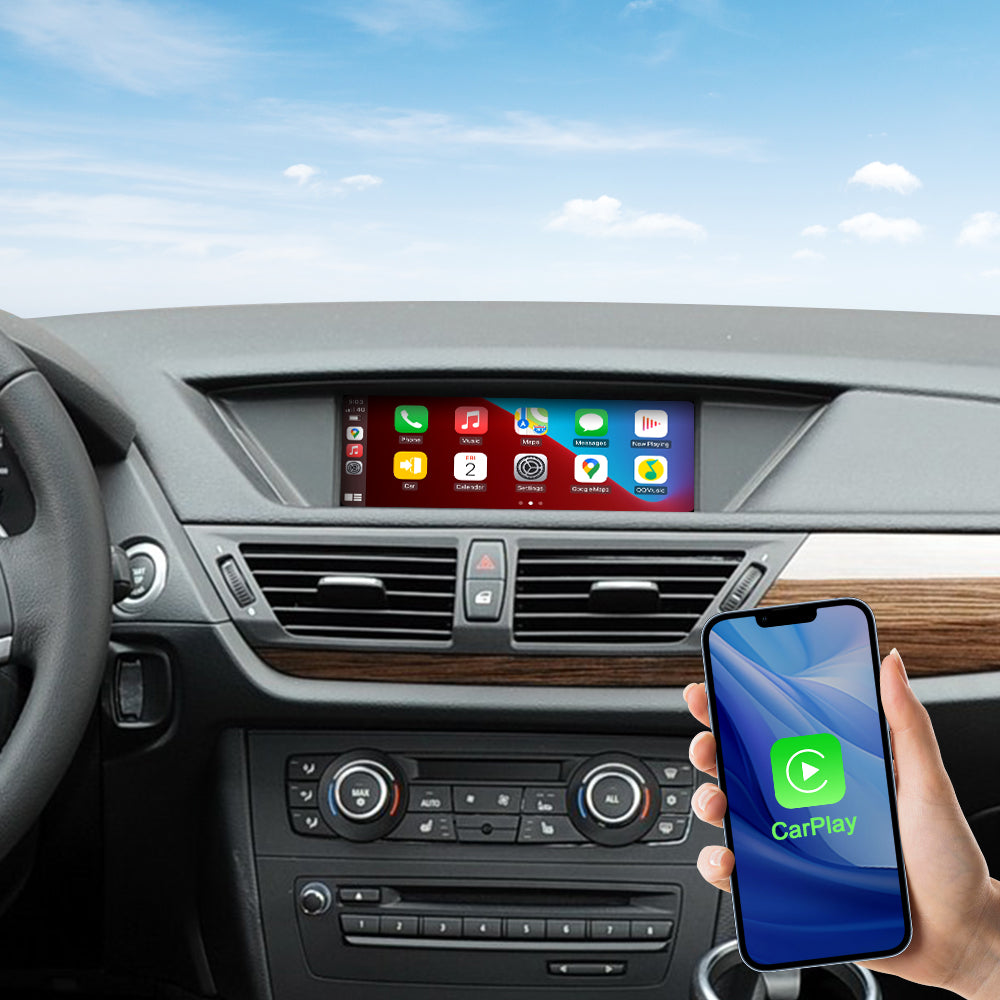
Support wied wireless carplay
Please use USB1 to use the wired CarPlay function.
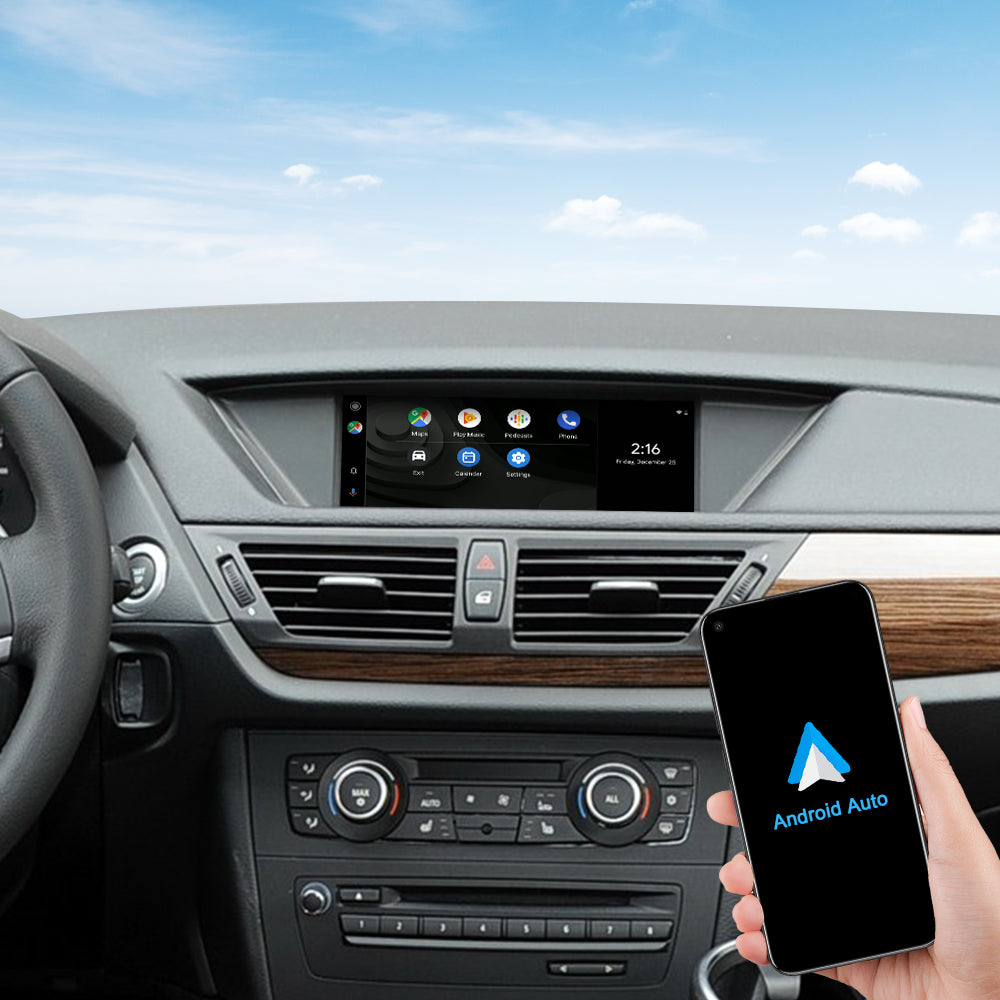
Support wied wireless Android Auto
Please use USB1 to use the wired Android Auto function.
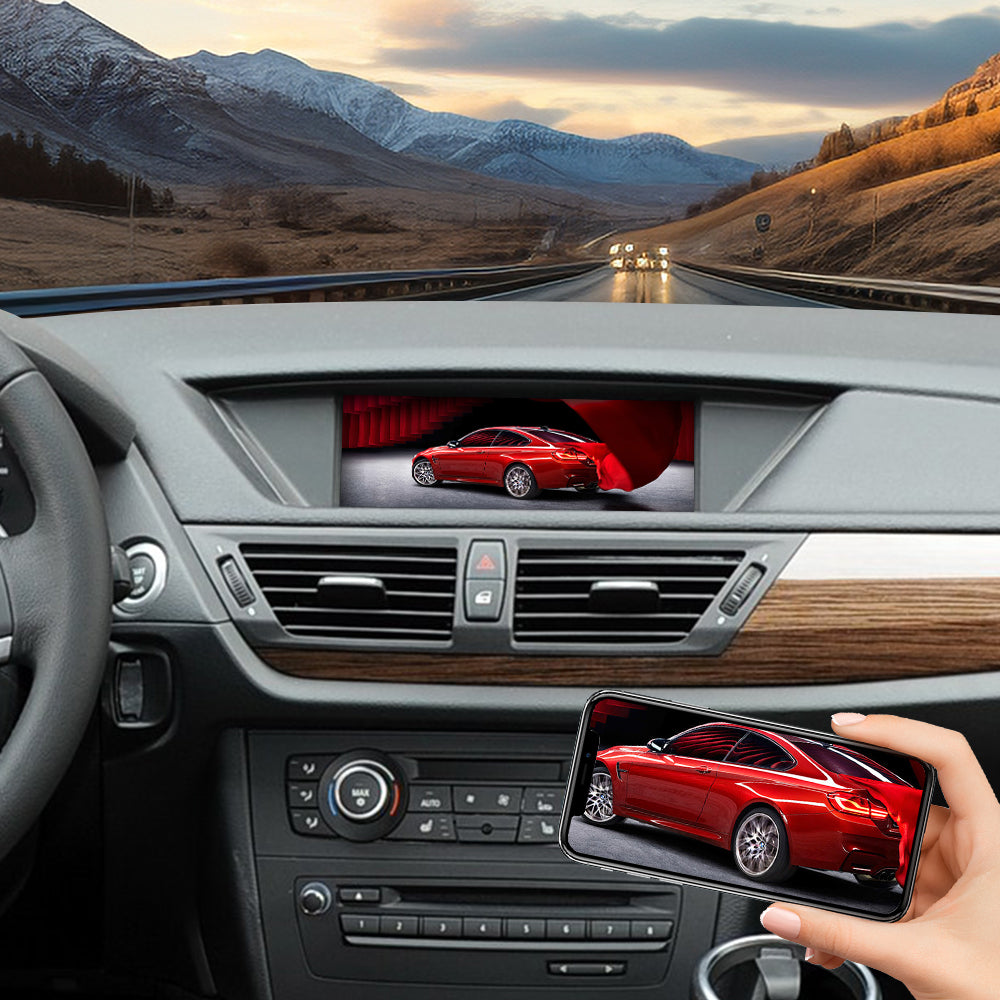
Support wied wireless Mirror Link
Please use USB1 to use the wired Android Mirror Link function.
Product Installation and Setup
Approaches to common problems

Setting of CIC Dial Switch
Please adjust the DIP switches according to your OEM screen size.

Auto Switch Carplay Sound When You Into Carplay Interface You set the carplay sound auto switch:
step1-Select the AUX front menu input on the OEM interface; step2-Long press the No. 8 key on the panel; the AUX front row is stored in the No. 8 key. step3-Press and hold the MENU button to enter the CarPlay interface, and the sound will automatically switch to the CarPlay box.

LVDS Cable Adapter
Please unplug the LVDS cable from the back of the original host and connect it to the LVDS port on the PEMP. At the same time, plug the PEMP’s LVDS cables into the LVDS IN ports on both the original host and the PEMP.
You May Also Like
IN THE BOX
1 × MMI BOX

1 × power cable

1 × LVDS Cable

1 × LVDS Cable

1 × Microphone

1 × USB Cable

1 × WIFI Antenna

Frequently Asked Questions
Pre-Sales FAQ
Answer your pre-sales questions
After-Sales FAQ
Answer your pre-sales questions