


PEMP Store
PEMP (EVO) CarPlay Android auto Mirror Link MMI Box for BMW EVO F15 F20 F30 F48 G01 G11 G30
- 常规价格
- $349.00
- 促销价
- $349.00
- 常规价格
-
Shipping calculated at checkout.
Pay in installment: $661 /mth

Payment

Return to your nearest address. (USA and Europe)


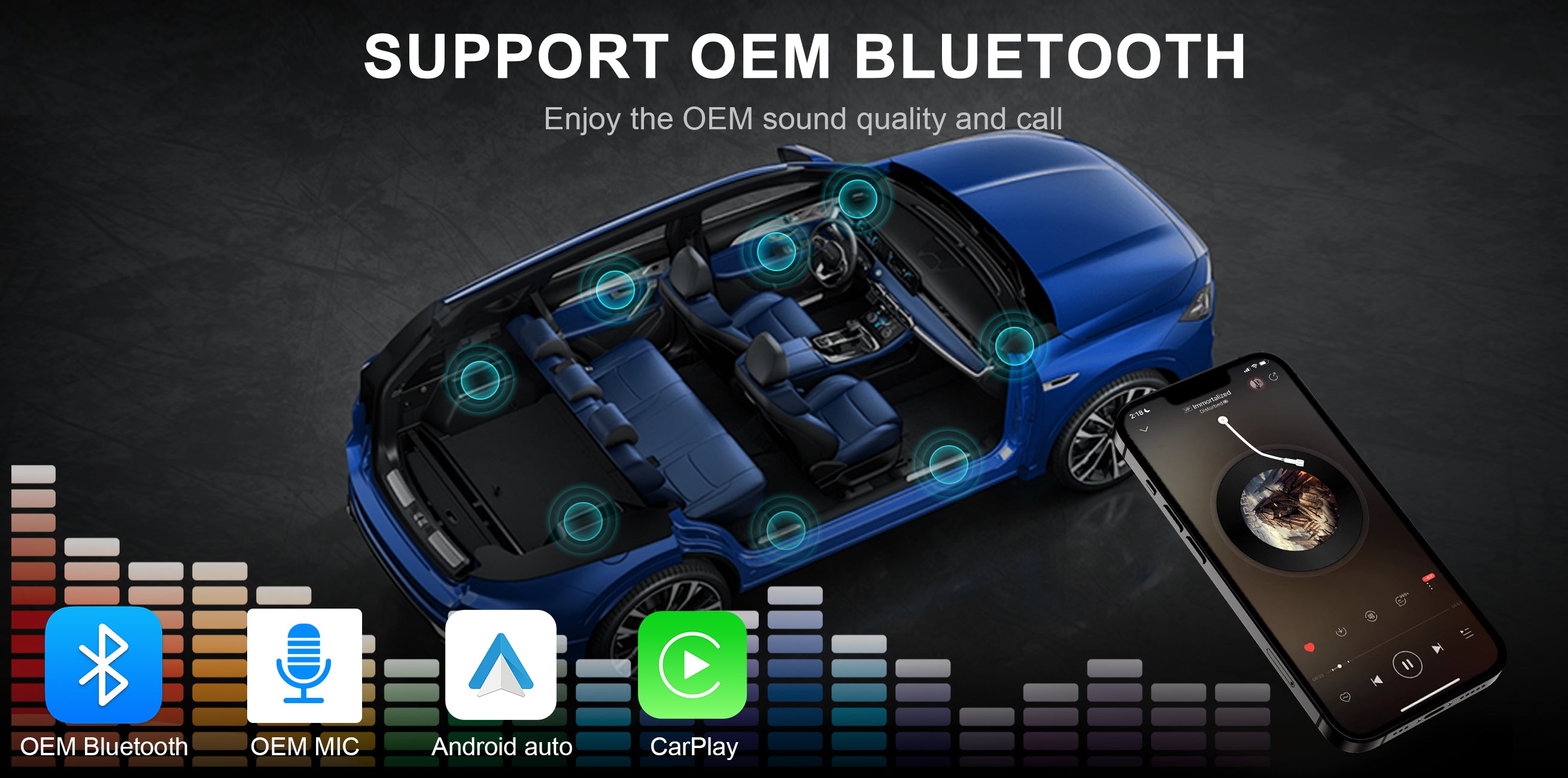
Use the OEM Bluetooth to Calling in CarPlay Android auto
Read More

Intelligent Interconnection
Support wired and wireless
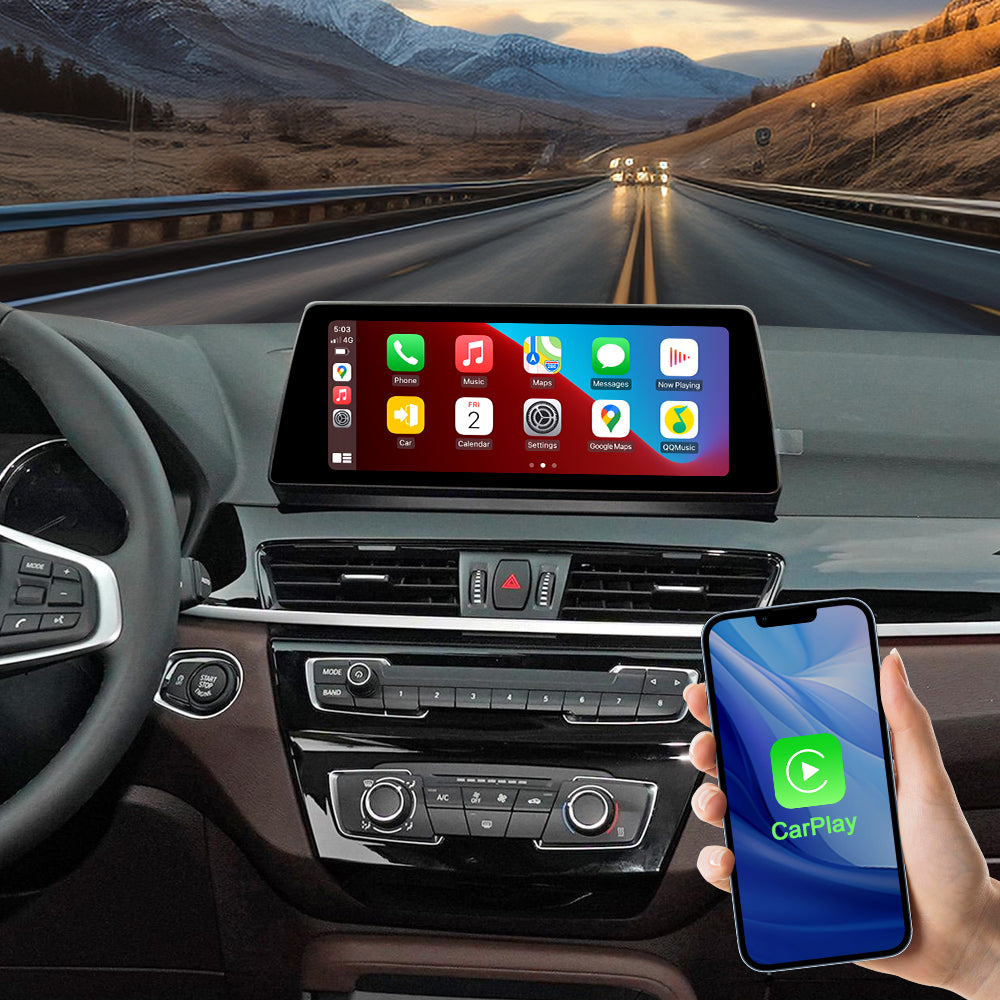
Support wied wireless carplay
Please use USB1 to use the wired CarPlay function.
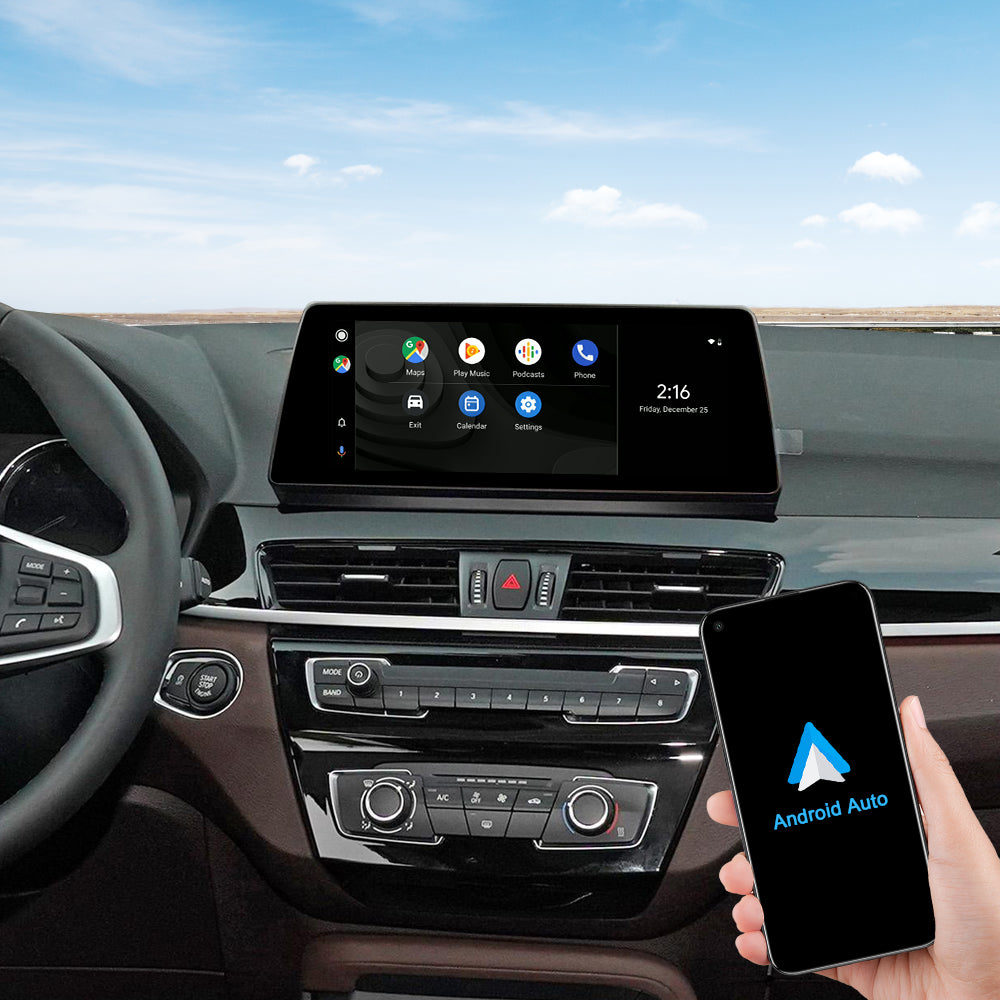
Support wied wireless Android Auto
Please use USB1 to use the wired Android Auto function.
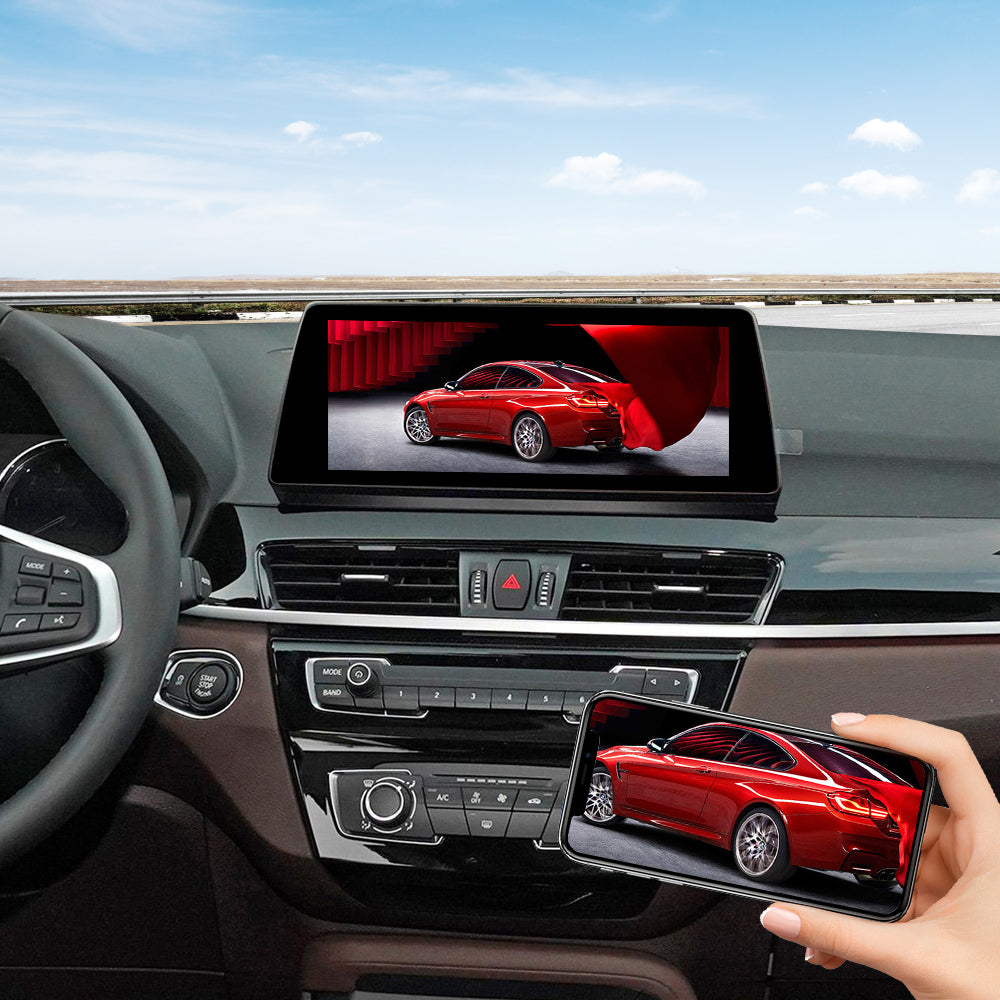
Support wied wireless Mirror Link
Please use USB1 to use the wired Android Mirror Link function.

Product Installation and Setup
Approaches to common problems

Select The Camera Type For BMW Carplay
You can set the OEM camera or after-market Camera: Settig>Car setting>Reversing Camera> you can choose the oem camera or after-market camera

System Switch
Long press the “MENU” button from iDrive knob to enter into the CarPlay Decoder main interface.

Setting of EVO Dial Switch
Please adjust the DIP switches according to your OEM screen size.

LVDS Cable Adapter
Please disconnect the LVDS cable from the back of the original factory screen and connect it to the PEMP LVDS IN socket. Simultaneously, insert the PEMP LVDS cable into both the original factory screen and the PEMP LVDS OUT socket.
You May Also Like
IN THE BOX
MMI BOX

1 × power cable

1 × LVDS Cable

1 × USB Cable

1 × WIFI Antenna

1 × BT Antenna
Frequently Asked Questions
Pre-Sales FAQ
Answer your pre-sales questions
After-Sales FAQ
Answer your pre-sales questions